Login
Login
Apple Tested a MacBook With the A15 Chip
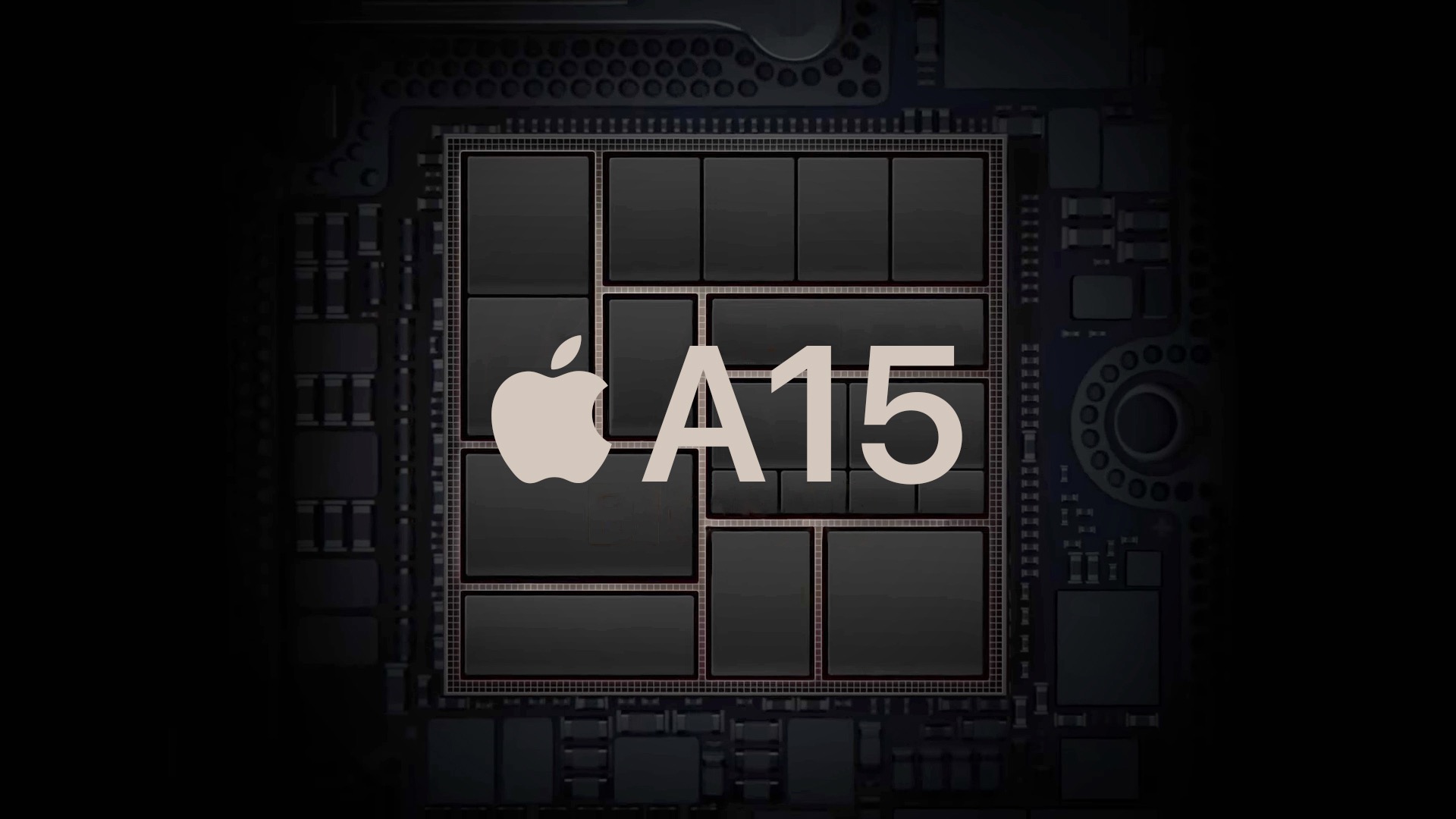
An internal Apple kernel debug kit suggests Apple has tested a MacBook with the A15 chip, alongside a separate A18 Pro-based MacBook that appears to be closer to a shippable product.
The information comes from internal kernel debug kit files used by Apple engineers. The kit was accidentally released on Apple's website earlier this year, but it was quickly pulled after information started leaking out of it.
Within the Mac-related entries, there is a line that explicitly describes an unreleased MacBook configuration running an A15 chip. The row appears under a project label "mac14p" on a platform labeled H14P. MacRumors believes this A15 MacBook corresponds to the codename J267.
In the same dataset, there is also a separate MacBook entry tied to the A18 Pro. It has the identifier J700 and is described as using an A18 Pro chip with a "Sunrise" wireless subsystem attributed to MediaTek. Compared with the A15 test configuration, the A18 Pro MacBook entry reads more like a defined product configuration, since it is identified with a specific internal codename and accompanying subsystem details.
It is also highly unlikely that Apple would release a Mac powered by the A15 Bionic in 2026, almost five years after the chip was introduced. A MacBook with the A18 Pro chip would be markedly more capable, future-proof, and in-step with the company's current selection of chips.
The A15 MacBook was almost certainly used as an unreleased test platform ahead of widely reported plans to release a low-cost MacBook with an iPhone chip. The original Apple silicon Mac mini Developer Transition Kit featured an A12Z chip, but all Apple silicon Macs available to consumers have featured M-series chips.
Rumors suggest the low-cost MacBook will launch next year, featuring the A18 Pro chip, a 13-inch display, and silver, blue, pink, and yellow color options.
This article, "Apple Tested a MacBook With the A15 Chip" first appeared on MacRumors.com
Discuss this article in our forums
The information comes from internal kernel debug kit files used by Apple engineers. The kit was accidentally released on Apple's website earlier this year, but it was quickly pulled after information started leaking out of it.
Within the Mac-related entries, there is a line that explicitly describes an unreleased MacBook configuration running an A15 chip. The row appears under a project label "mac14p" on a platform labeled H14P. MacRumors believes this A15 MacBook corresponds to the codename J267.
In the same dataset, there is also a separate MacBook entry tied to the A18 Pro. It has the identifier J700 and is described as using an A18 Pro chip with a "Sunrise" wireless subsystem attributed to MediaTek. Compared with the A15 test configuration, the A18 Pro MacBook entry reads more like a defined product configuration, since it is identified with a specific internal codename and accompanying subsystem details.
It is also highly unlikely that Apple would release a Mac powered by the A15 Bionic in 2026, almost five years after the chip was introduced. A MacBook with the A18 Pro chip would be markedly more capable, future-proof, and in-step with the company's current selection of chips.
The A15 MacBook was almost certainly used as an unreleased test platform ahead of widely reported plans to release a low-cost MacBook with an iPhone chip. The original Apple silicon Mac mini Developer Transition Kit featured an A12Z chip, but all Apple silicon Macs available to consumers have featured M-series chips.
Rumors suggest the low-cost MacBook will launch next year, featuring the A18 Pro chip, a 13-inch display, and silver, blue, pink, and yellow color options.
This article, "Apple Tested a MacBook With the A15 Chip" first appeared on MacRumors.com
Discuss this article in our forums