
Reading view

Bug Prevents M3 Ultra Mac Studios From Installing macOS Tahoe

If you have a Mac Studio with an M3 Ultra chip and can't get macOS Tahoe to install, you're not alone. There is a bug that is preventing the update from installing properly on machines that have the M3 Ultra.
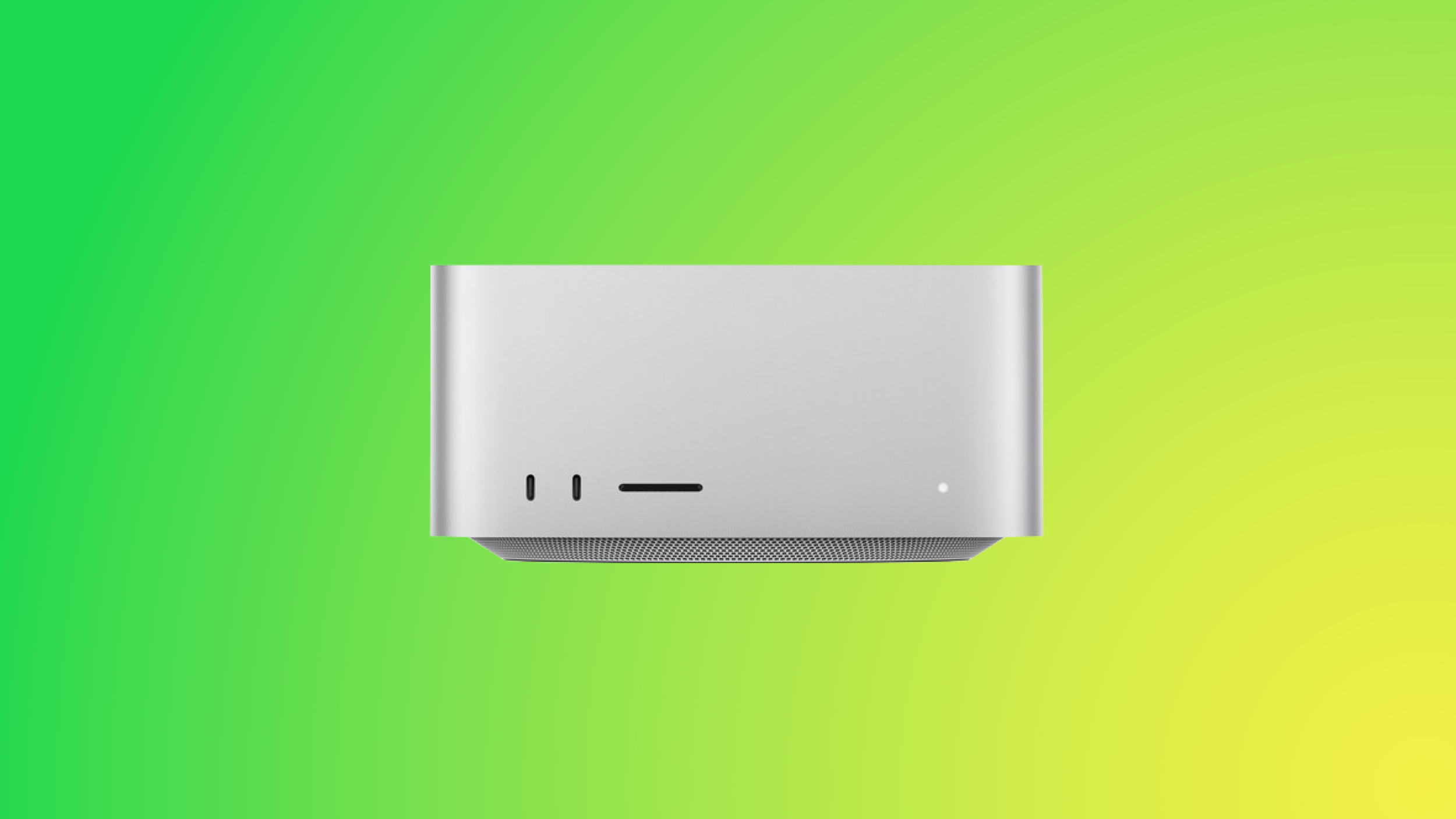

Affected users go to install macOS Tahoe, wait through the installation process and see the ‌Mac Studio‌ reboot, and then end up with macOS Sequoia 15.7 still running instead of macOS Tahoe. The macOS Tahoe update fails again and again.

A discussion thread on the Apple Support Communities suggests that the bug is impacting all Mac Studios with an M3 Ultra chip, and we have a ‌Mac Studio‌ that is unable to be upgraded. A Mac user who dug into the error messages suggests that the installer loads the macOS Tahoe driver for the Apple Neural Engine, but then a hardware check fails, and the installation process is aborted.

‌Mac Studio‌ owners say that attempting to install via standard software update, safe mode, and recovery mode have all failed. There is no known fix right now, and M3 Ultra ‌Mac Studio‌ users will need to wait for Apple to release a fix to solve the issue.

Apple is aware of the problem, so hopefully the problem will be resolved shortly.
Related Roundup: macOS Tahoe 26
Related Forum: macOS Tahoe

This article, "Bug Prevents M3 Ultra Mac Studios From Installing macOS Tahoe" first appeared on MacRumors.com

Discuss this article in our forums
  •  

macOS Tahoe Features a New Recovery Assistant

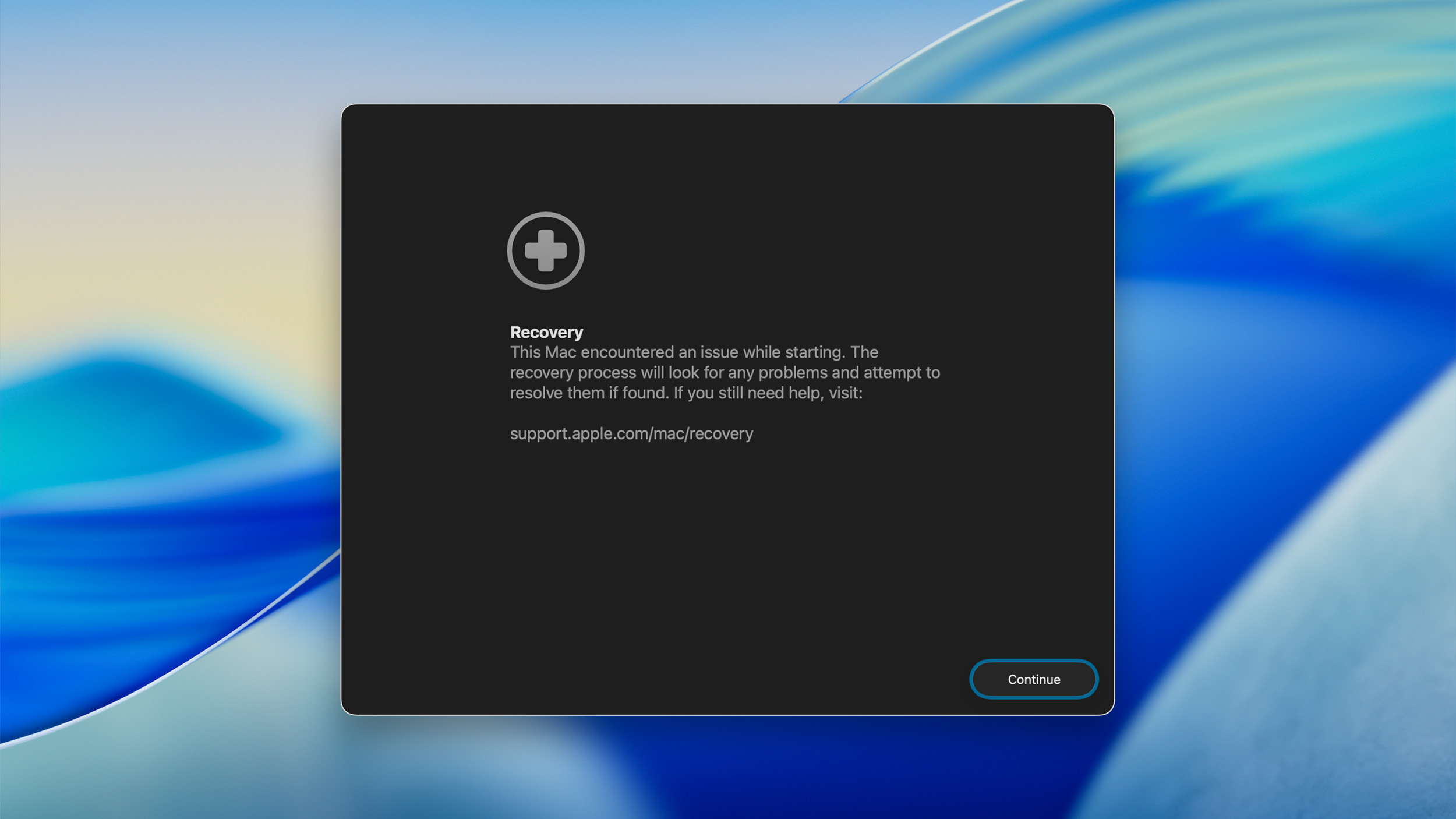
If your Mac experiences an issue that prevents it from starting up properly, macOS Tahoe includes a new Recovery Assistant that can attempt to identify the issue and resolve it, according to an Apple support document published this week.


If your Mac experiences certain behaviors during startup, Apple says the computer might automatically restart and open Recovery Assistant. To use the utility, click on the "Continue" button in the window and follow the on-screen steps.

When the recovery process is complete, Recovery Assistant will indicate that it recovered your Mac successfully, or that it was unable to recover your Mac, or that no known issues were found. Click on "Restart Mac" to complete the process.

If your Mac starts up successfully, Apple says you might be notified to recover your iCloud data.

If your Mac does not start up successfully, it has an issue that Recovery Assistant cannot resolve, and you can then move on to other troubleshooting steps.

Recovery Assistant is also available from the Utilities menu in macOS Recovery mode.

As we reported on earlier this year, iOS 26 and iPadOS 26 add a similar Recovery Assistant tool to the iPhone and iPad, and Apple published a support document this week with more details about how the feature works on those devices.
Related Roundup: macOS Tahoe 26
Related Forum: macOS Tahoe

This article, "macOS Tahoe Features a New Recovery Assistant" first appeared on MacRumors.com

Discuss this article in our forums

  •  

Apple 'Repair Assistant' Mac Tool Coming to macOS Tahoe

Apple is expanding its Repair Assistant calibration software to Mac computers with the upcoming macOS Tahoe 26 release, following its rollout to iPhone and iPad last year.


On iPhone, the tool helps calibrate replacement parts including back glass, battery, display, TrueDepth camera, and rear camera components. On Mac, Repair Assistant will enable Touch ID and Lid Angle sensors to be reused after Display or Logic Board repairs on select models. Touch ID sensors will use Activation Lock for protection.

macOS Tahoe and Apple silicon are required by the utility. Users can access Repair Assistant through System Settings ➝ General ➝ About, where a "Parts & Service" section appears after recognized repairs.

Apple plans to make genuine Mac parts available to independent repair professionals through MobileSentrix and Mobileparts.shop later this year. The update supports the company's Self Service Repair program by allowing previously replaced, uncalibrated parts to meet Apple's reliability standards.

Apple says macOS Tahoe will officially launch on September 15.
Related Roundup: macOS Tahoe 26
Related Forum: macOS Tahoe

This article, "Apple 'Repair Assistant' Mac Tool Coming to macOS Tahoe" first appeared on MacRumors.com

Discuss this article in our forums

  •  

Apple Seeds Eighth Beta of macOS Tahoe to Developers

Apple today provided developers with the eighth beta of macOS Tahoe 26 for testing purposes, with the update coming a week after the seventh beta.


Registered developers can download the new beta software through the System Settings app.

macOS Tahoe features Apple's Liquid Glass redesign, which extends across all of the new updates this year. Apple also brought the Phone and Journal apps to the Mac for the first time, and introduced a new cross-platform Games app.

With the update, Apple overhauled how Spotlight works, enabling new functionality that allows it to be used to complete all kinds of actions like sending emails without having to open up an app. There are also changes to a number of apps, including Messages, Safari, and Notes.

All of the new features that are included in macOS Tahoe are outlined in our dedicated roundup. macOS Tahoe is set to launch this fall.
Related Roundup: macOS Tahoe 26
Related Forum: macOS Tahoe

This article, "Apple Seeds Eighth Beta of macOS Tahoe to Developers" first appeared on MacRumors.com

Discuss this article in our forums

  •  
❌