Reading view

Android-to-iPhone AirDrop Transfers Now Supported on Pixel 9

Google is expanding its cross-platform file sharing feature to additional Android devices, allowing them to transfer files to an iPhone using the AirDrop protocol. AirDrop support for Quick Share is coming to the Pixel 9, Pixel 9 Pro, Pixel 9 Pro XL, and Pixel 9 Pro Fold over the next few days.
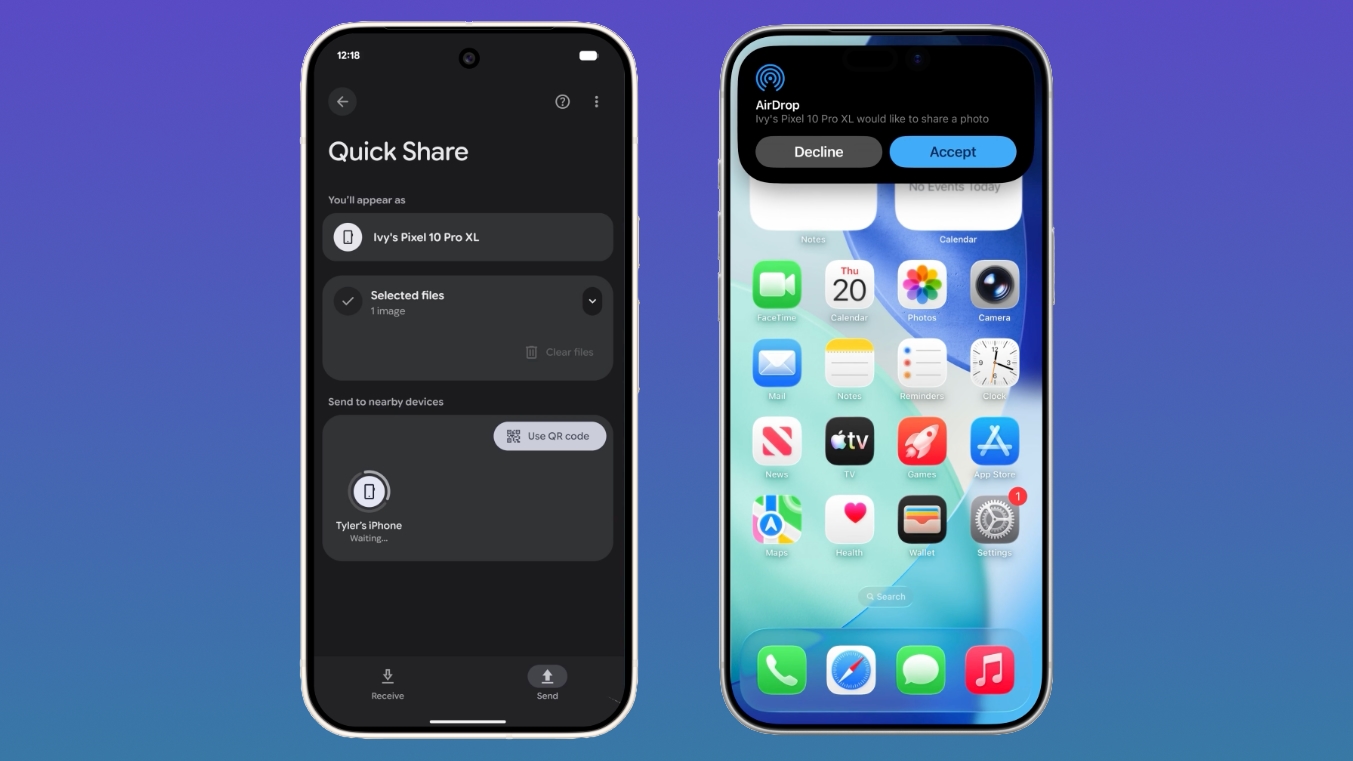

Google announced Quick Share compatibility with AirDrop back in November, but the feature was initially limited to the newest Pixel 10 devices.

With AirDrop interoperability, Pixel 9 and Pixel 10 devices can transfer files to an ‌iPhone‌, iPad, or Mac, and it works the same way as Apple device to Apple device AirDrop transfers. No internet connection is required.

To accept files from a Pixel smartphone, Apple device users need to change their AirDrop visibility to "Everyone for 10 Minutes." With the setting enabled, a file coming from an Android user looks identical to an AirDrop file from an ‌iPhone‌, with the same notification and option to accept. Files are saved in the appropriate location, with a photo going to the Photos app or a document going to the Files app.

To receive files from an Apple user, the Pixel user will also need to turn on the Everyone for 10 minutes setting or enter into Receive mode on the Quick Share page. Files are saved in the Files app.

According to Google, Quick Share and AirDrop interoperability was designed with a multi-layered security approach to ensure a safe sharing experience regardless of platform. There's a secure sharing channel, built-in platform protections for Android and iOS, and a consent requirement before a file is received.

Connections between devices are direct and peer-to-peer, so data is not routed through a server. For file transfers in both directions, the Apple device or the Pixel device displays the other person's device name for verification purposes.
This article, "Android-to-iPhone AirDrop Transfers Now Supported on Pixel 9" first appeared on MacRumors.com

Discuss this article in our forums

  •  

Toyota Rolling Out Apple Wallet Car Keys on iPhone

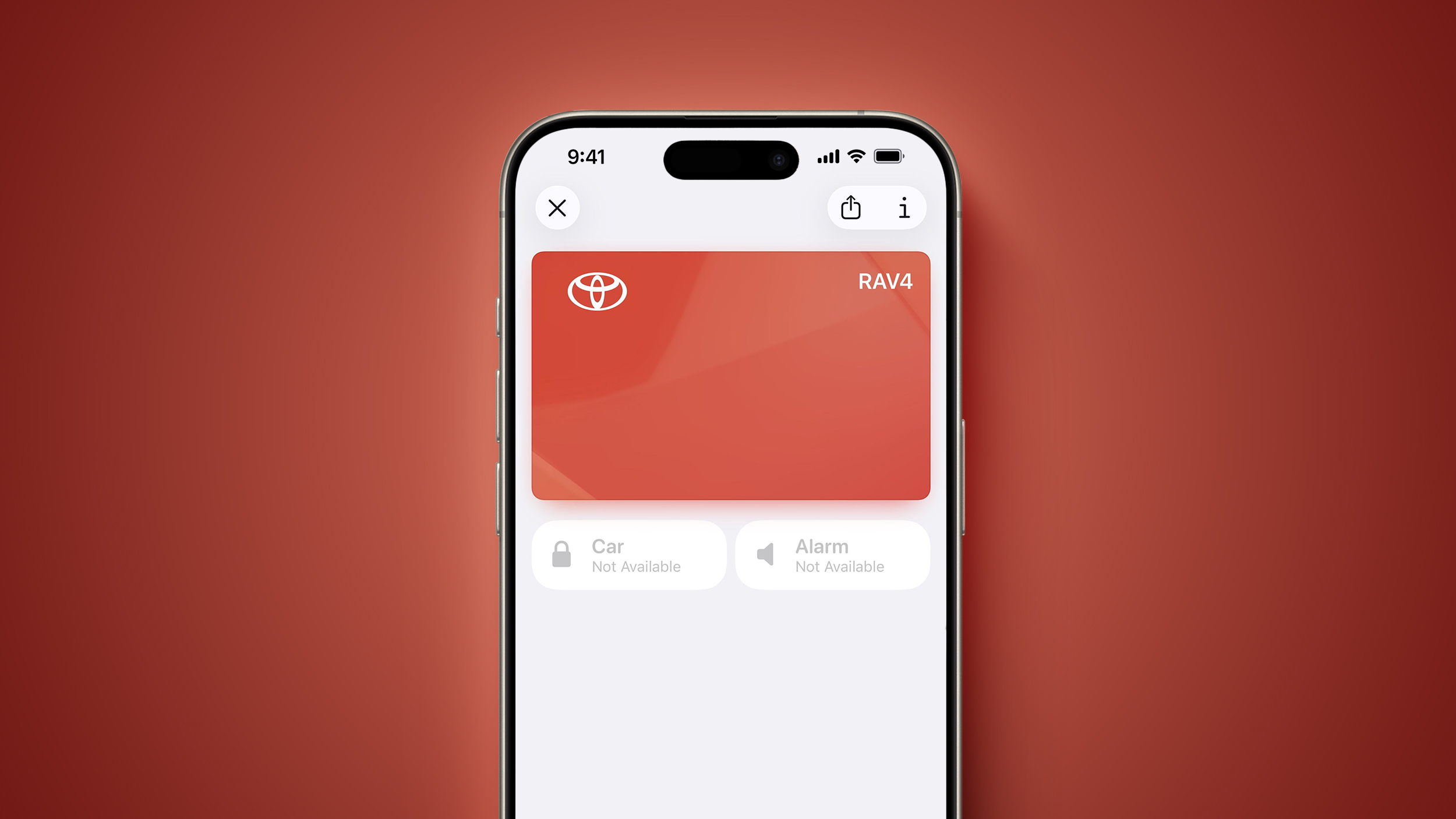
In 2020, Apple added a digital car key feature to its Wallet app, allowing users to lock, unlock, and start a compatible vehicle with an iPhone or Apple Watch. The feature is currently offered by select automakers, such as Audi, BMW, Hyundai, Kia, Genesis, Mercedes-Benz, and Volvo, and Toyota is now rolling out support as well.


According to a Reddit post, select trims of the 2026 Toyota RAV4 support the Apple Wallet car key feature in the United States, at a minimum. We have yet to confirm if the feature is rolling out to any of Toyota's other 2026 model year vehicles.

Toyota's implementation of the feature utilizes Ultra Wideband technology, allowing you to simply approach the vehicle, open the door, and start the vehicle, all with your iPhone in your pocket or your Apple Watch on your wrist. This passive entry functionality requires an iPhone 11 or newer* or an Apple Watch Series 6 or newer.

A few months ago, MacRumors was first to report that Toyota was planning to offer Apple Wallet car keys, so this rollout was expected. It appears that the feature requires a Toyota Remote Connect subscription, which starts at $15 per month. A free one-year Remote Connect trial is included with the purchase of a new Toyota vehicle.

Apple has a web page with a list of vehicle models that support iPhone car keys, but it is updated infrequently, so it is currently missing some newer additions.

* Excluding the iPhone SE 2, iPhone SE 3, and iPhone 16e.
This article, "Toyota Rolling Out Apple Wallet Car Keys on iPhone" first appeared on MacRumors.com

Discuss this article in our forums

  •  

iOS 26.4 Adds Average Bedtime Metric and Restores Blood Oxygen to Health App Vitals Graph

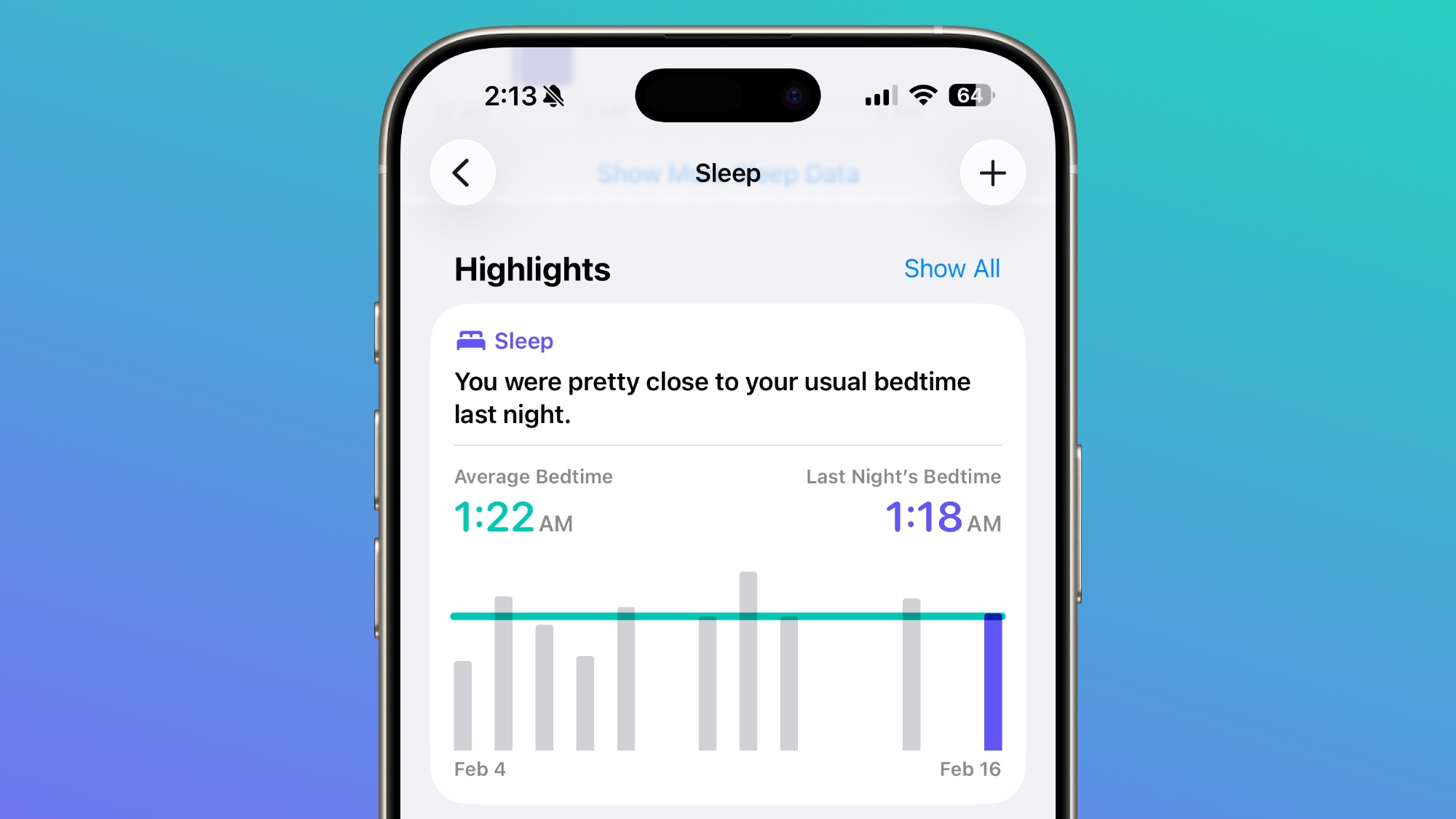
In iOS 26.4, Apple added an Average Bedtime metric to the Sleep section of the Health app, letting users better monitor how bedtime impacts sleep quality.


Under a new Sleep Highlight, Apple lists the time that you went to bed and the time that you usually go to bed based on averages over a two-week period.

In iOS 26.3, Apple displayed average sleep time over the past seven days. That highlight still exists, but it is now supplemented with the daily bedtime readout.

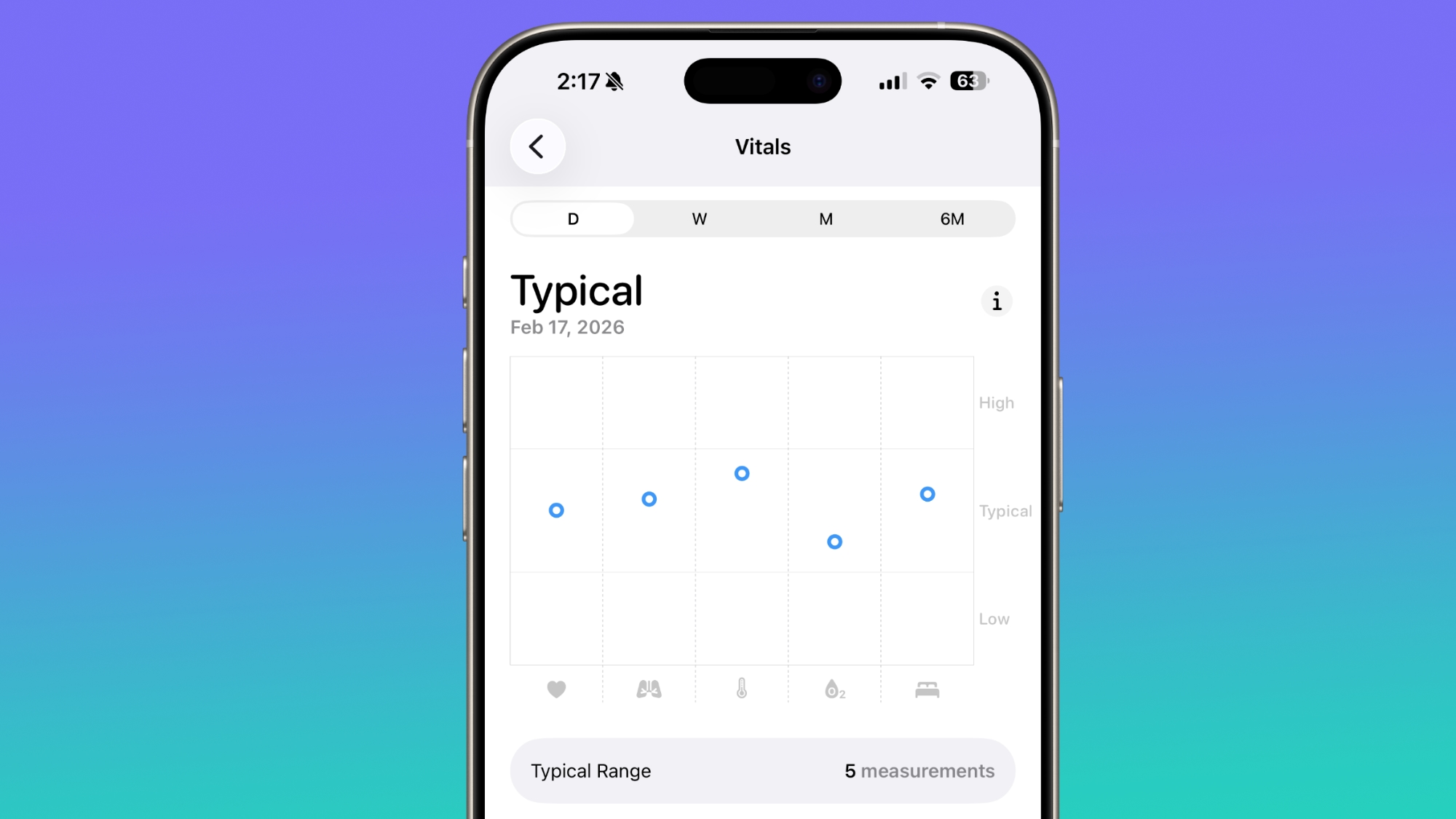
Apple also updated the Vitals readout in the U.S., and it once again lists blood oxygen level on the line graph overview that's available each day. In iOS 26.3 and earlier versions of iOS 26, there was a section for the blood oxygen level, but the graph did not include a blood oxygen measurement.


Blood oxygen was available as a separate metric in the Vitals section, but it is now visible in the Vitals overview. The Vitals feature did not fully support blood oxygen because of Apple's ongoing legal dispute with Masimo. Masimo accused Apple of infringing on Masimo patents related to blood oxygen sensing, and it secured an import ban from the U.S. International Trade Commission.

Apple had to remove blood oxygen sensing from the Apple Watch starting in early 2024 to be able to continue to sell the Apple Watch in the U.S., but Apple was able to re-add it in August 2025 with blood oxygen readouts available only on the iPhone. There is still no option to measure blood oxygen with the Apple Watch and see the results directly on the wrist in the U.S.

iOS 26.4 is available to developers and public beta testers, with a public launch planned for spring.
Related Roundups: iOS 26, iPadOS 26
Related Forum: iOS 26

This article, "iOS 26.4 Adds Average Bedtime Metric and Restores Blood Oxygen to Health App Vitals Graph" first appeared on MacRumors.com

Discuss this article in our forums

  •  

Apple Removes iTunes Movies and TV Shows Apps in tvOS 26.4

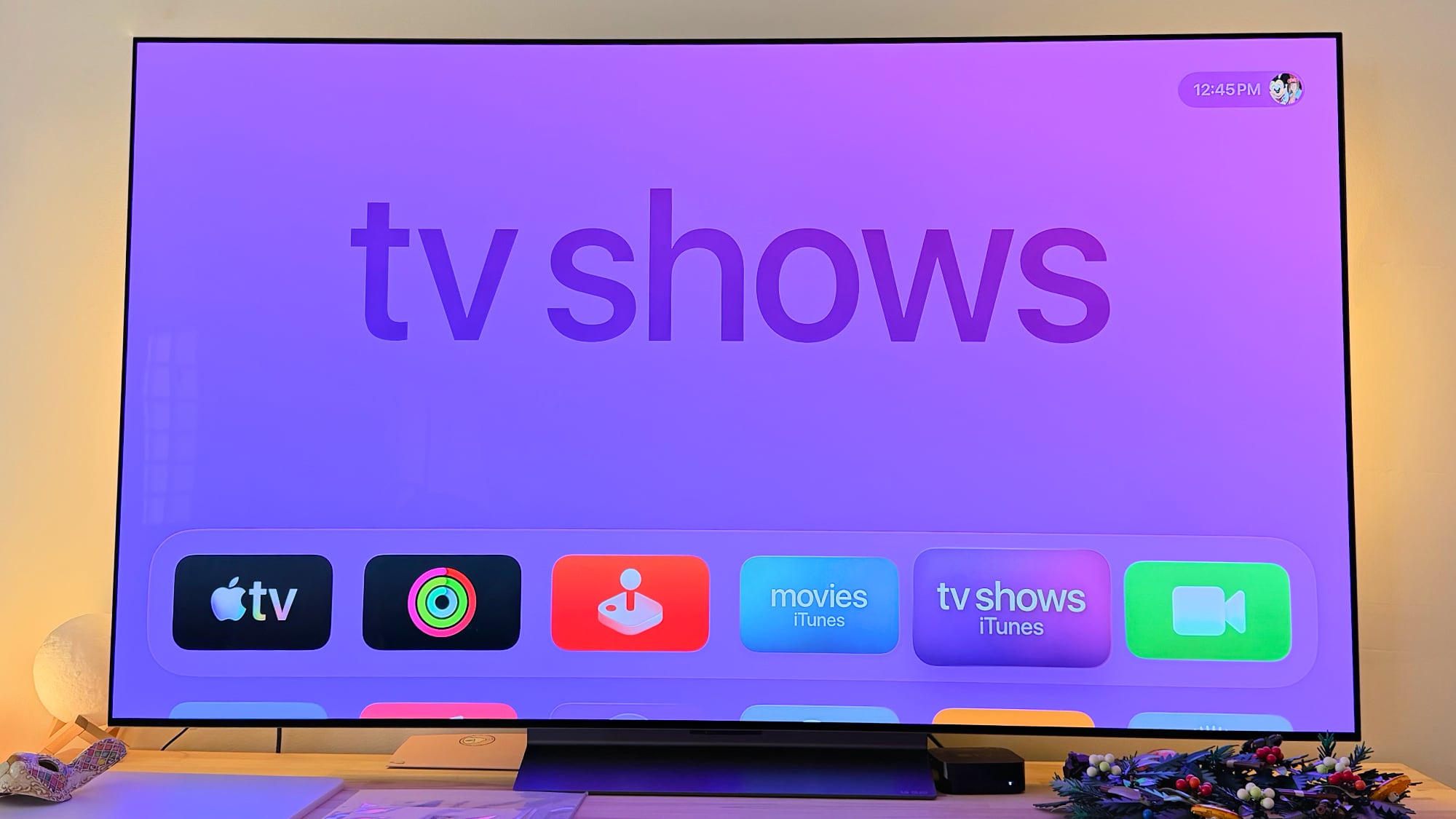
With tvOS 26.4, Apple has removed the dedicated iTunes Movies and iTunes TV Shows apps that listed content available for purchase. Buying movies and TV shows can be done through the Apple TV app instead.


Apple started phasing out the iTunes Movies and iTunes TV Shows apps back in 2023, redirecting users to the ‌Apple TV‌ app for purchases. The apps remained available until now to provide customers with instructions on where to find their content, and to provide access to the iTunes Wish List.

Apple removed the TV Shows and Movies section in the iPhone and iPad TV app with the launch of iOS 17.2 and iPadOS 17.2, and eliminated iTunes wishlists in those updates. tvOS 17.2 also got rid of wish lists. After customer complaints, wishlist options were returned, but Apple again started warning about the end of wishlists last week.

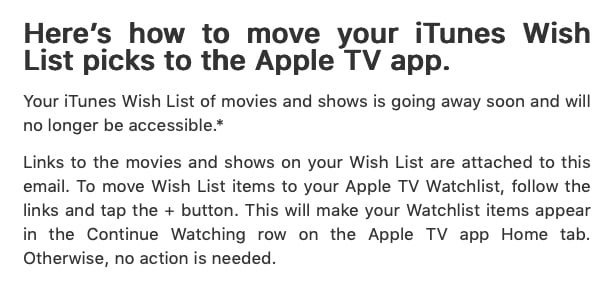
Customers that still have an iTunes Wish List with movies and TV shows have received emails letting them know the feature is being removed. The emails include links to migrate those lists to the ‌Apple TV‌ watchlist feature as an alternative.


Apple has been working to consolidate all movie and TV show viewing and buying to the TV app, so it's all in one place. There is no longer any iTunes-related app on the ‌Apple TV‌, but the ‌iPhone‌ still has an iTunes Store option for purchasing music.

Apple has also updated the ‌Apple TV‌ Audio Format settings in tvOS 26.4. Dolby Atmos immersive audio has been replaced with Spatial Audio, and there is an option to convert to Dolby Digital 5.1, select Stereo Only, or turn on Auto mode. There's also a Continuous Audio Connection option for HDMI output.

tvOS 26.4 is available to developers and public beta testers at the current time, with a release planned for spring.
Related Roundup: Apple TV
Buyer's Guide: Apple TV (Don't Buy)

This article, "Apple Removes iTunes Movies and TV Shows Apps in tvOS 26.4" first appeared on MacRumors.com

Discuss this article in our forums
  •  
❌