OpenProject 16.4 has been released and this version introduces new features and improvements again. We look forward to hearing your thoughts and feedback on the latest updates. Please take a few minutes to learn what changes for you. We will summarize the most important changes in this blog article and, as always, please see our release notes that contain all changes, features and bug fixes.
In this blog article, we will focus on two main topics: the new automatic color mode sync together with dark high contrast mode for a more convenient and accessible interface, and the PDF export of project lists for more professional reporting.
We will also briefly summarize additional important features. Here is a quick navigation to all feature descriptions:
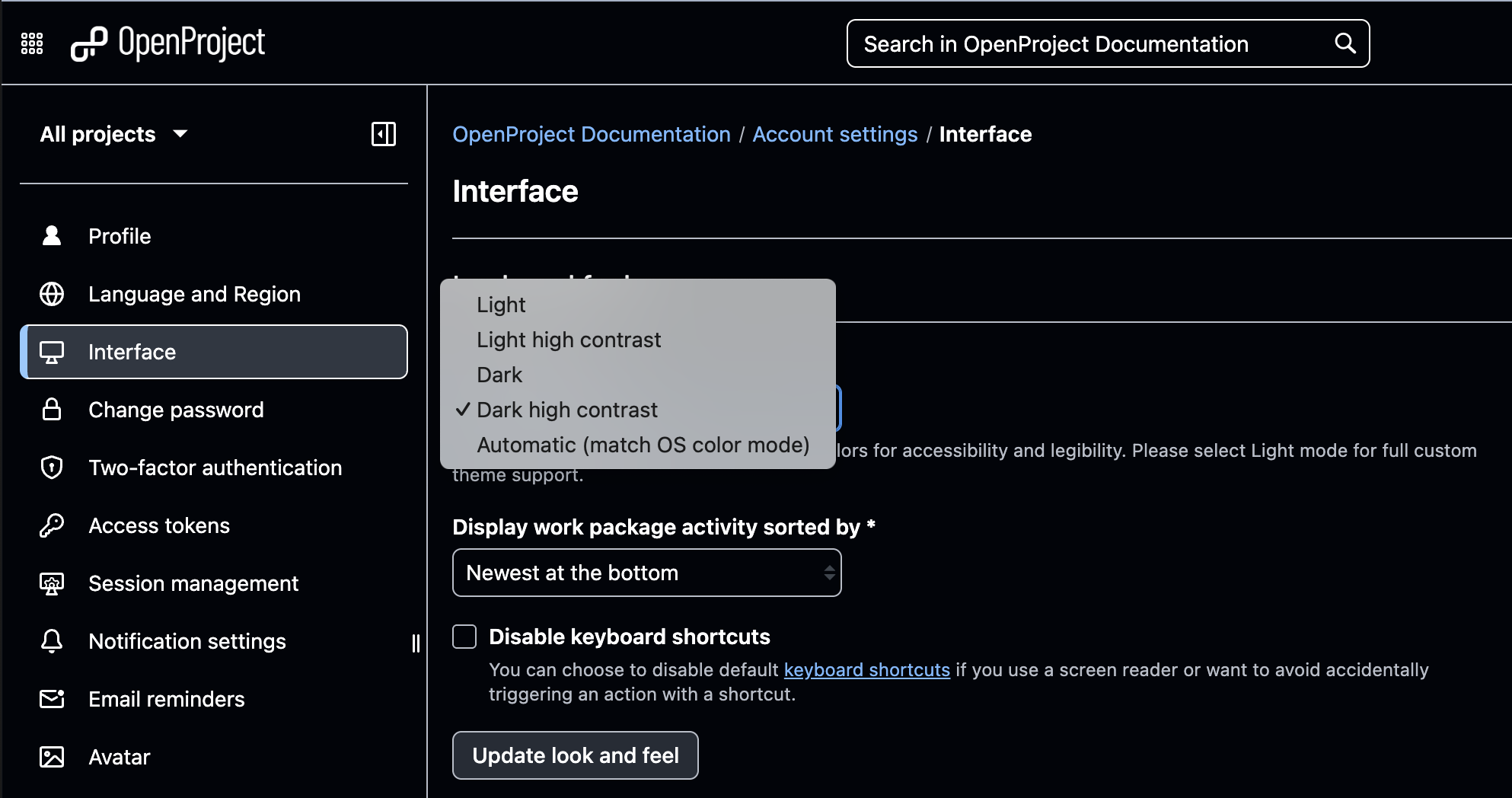
We always have many milestones on the roadmap, but some features stand out because they affect everyone. With OpenProject 16.4, you can enable automatic color mode sync in your personal settings. OpenProject will then match your operating system (OS) preference and switch automatically between light and dark mode. If your OS uses high contrast, OpenProject will select the corresponding light high contrast or dark high contrast mode for optimal readability.
These different color modes are more than just convenient options. They are part of our ongoing commitment to accessibility — a principle that has been part of OpenProject from the very beginning, when the project was forked from Redmine in order to remove accessibility barriers. You can read more about this in our articles on real progress in accessibility, written by Niels Lindenthal.
By the way: When our developer Kabiru Mwenja, who is responsible for the color mode changes, demoed the auto-sync feature for the first time, the whole team was genuinely excited. This shows that even though it is a simple option, it makes a real difference in everyday work for many users.
On the one hand, we still believe that the best way to collaborate is directly in OpenProject with living documents. On the other hand, we also know that for many organizations, PDFs remain an essential format. Whether for regulatory requirements (e.g. in the public sector), for digital or printed filing, or simply for sharing professionally styled reports with stakeholders.
This is why, over the past two years, we have continuously added PDF export features to different modules: work packages and tables, work package descriptions, meetings, Gantt charts, timesheets — and now also project lists.
With OpenProject 16.4, you can now export project lists as structured PDF reports. The export includes:
A table of contents that reflects your project hierarchy (when multiple projects are included).
A cover page and numbered sections (e.g., 1, 1.1, 1.2).
Linked section titles to jump back into OpenProject.
The same attributes and order that you configured in the list view.
To export, open the More (three dots) menu on the project list and select Export. In the modal, choose XLS, CSV, or – now also possible – PDF.
Custom fonts for all PDF exports (Enterprise add-on)
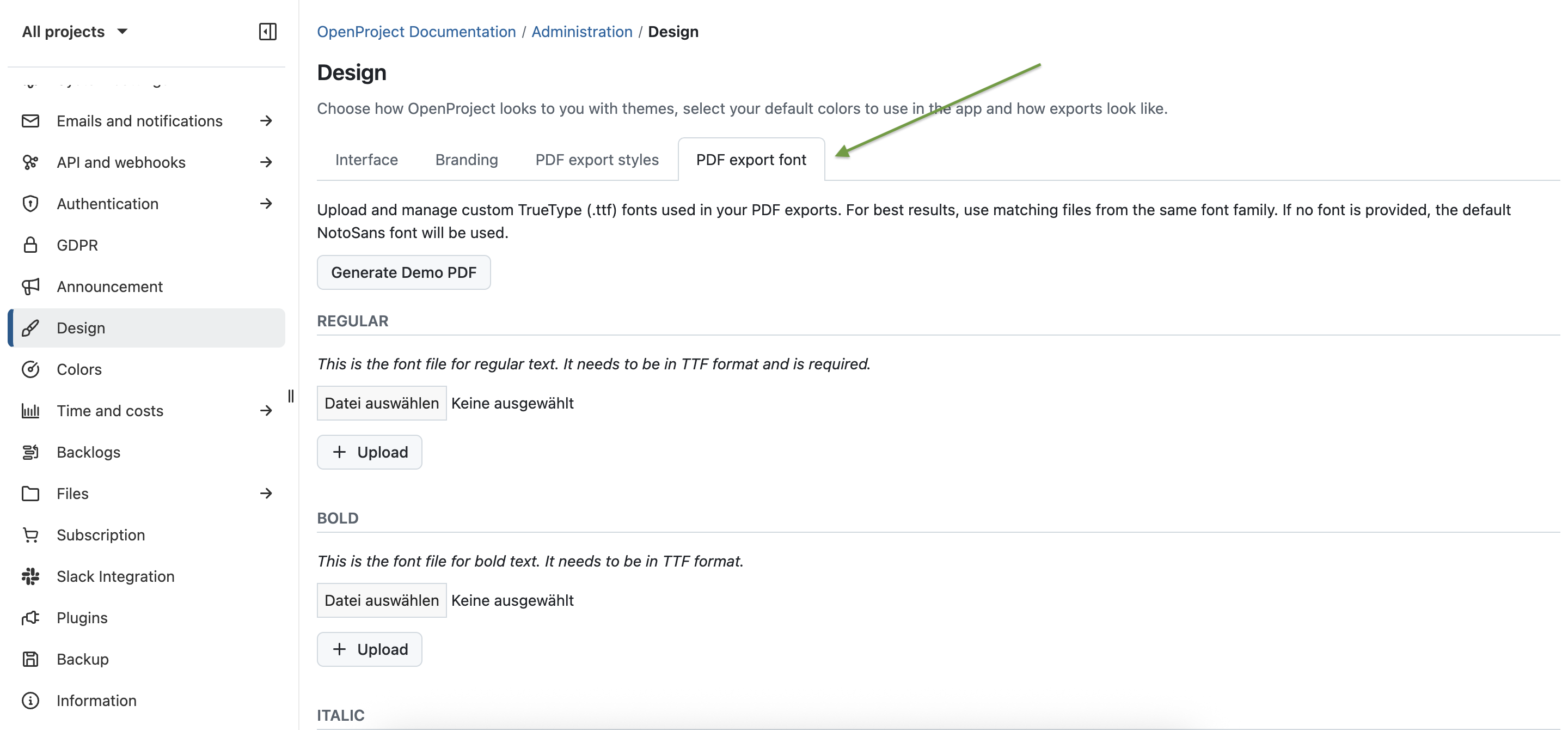
Another improvement, available as an Enterprise add-on for customers of Enterprise Basic and higher, is the ability to define custom fonts for all PDF exports. Administrators of the Enterprise Basic plan and higher can now upload fonts under Administration → Design → PDF export font. Once uploaded, the font will be used consistently across every PDF export in OpenProject — from project lists and work packages to meetings, Gantt charts, and timesheets.
This feature is particularly important for organizations with strict corporate design requirements. It ensures that all exported documents reflect the organization’s professional branding and style.
Improved meeting participants dialog
Managing participants now runs smoother: you can search and multi-select users with autocomplete when preparing a meeting, and track attendance during the meeting with simple toggles — including Mark all as attended. The dialog also aligns visually with sharing components and shows a cleaner status on the right pane and in PDFs.
Synchronize group information via OIDC (Enterprise add-on)
OpenProject 16.4 introduces the ability to synchronize group memberships from your OpenID Connect (OIDC) provider. This makes it easier to manage user groups and permissions centrally in your identity provider and ensures that memberships in OpenProject reflect those settings whenever users log in. Admins can filter which groups to import, extract name substrings, auto-create groups, and distinguish between locally managed vs. synchronized memberships.
Improved budget handling in project queries and budget planning
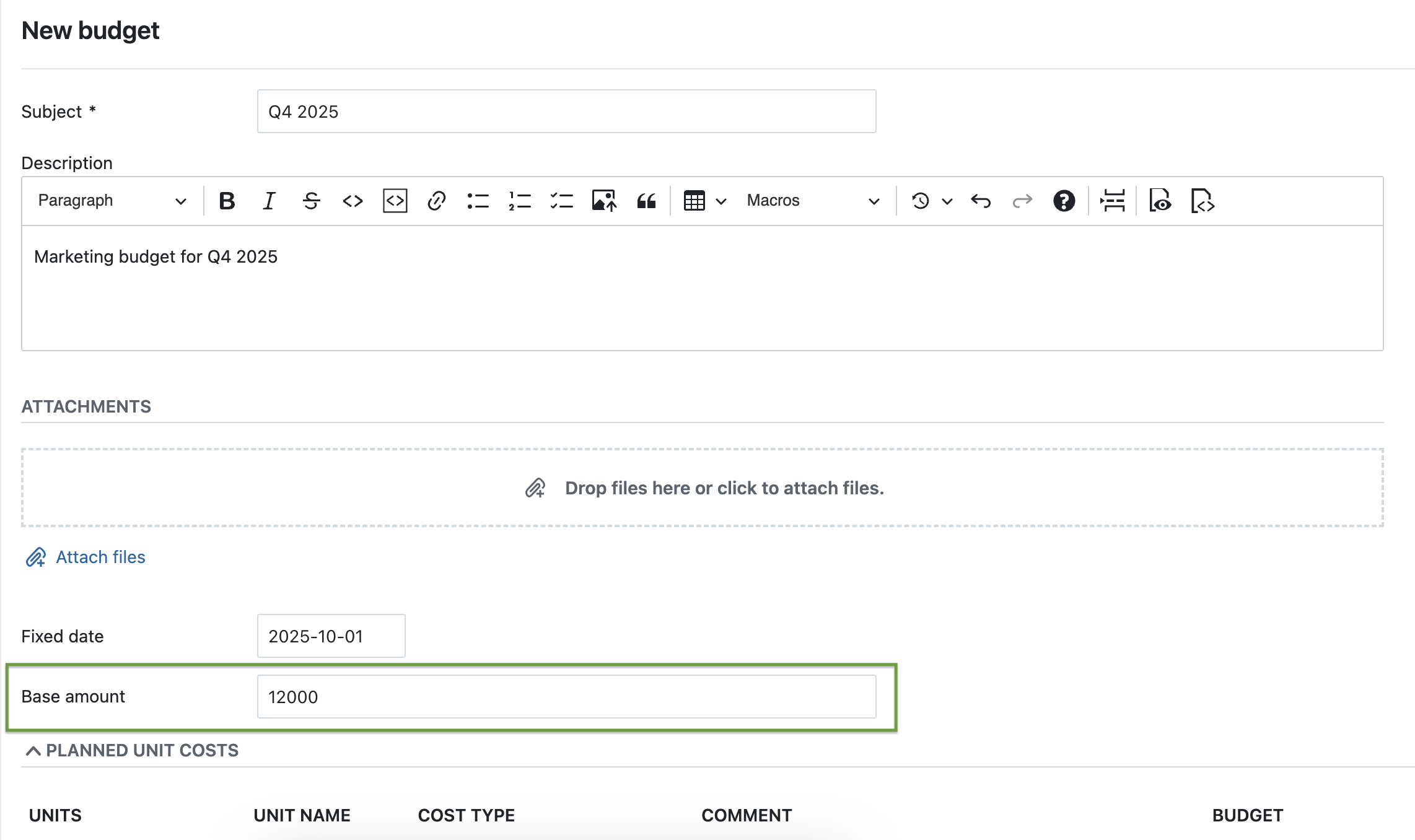
Budget setup is more practical: you can define a Base amount (a fixed sum) without detailing material or labor costs — and still add them later, if needed. Project lists now include planned budget, spent budget, spent percentage, and available budget for a clearer overview. We plan to continue improving budgets in upcoming releases. Read more about budgets in our user guide.
Updated Home and Project overview page
We refreshed the widgets on the Home and the Project overview pages:
cleaner styling (white backgrounds in Light mode, rounded corners, improved Dark mode support),
an always-visible More (three dots) menu,
a clearer add widgets click zone,
and a new + Widget button in the subheader that opens the selection modal and places new widgets at the top for instant feedback.
OpenProject 16.4: Migration, installation, updates and support
You will find more information about all new features and changes in our Release notes or in the OpenProject Documentation.
If you need support, you can post your questions in the Community Forum, or if you are eligible for Enterprise support, please contact us and we are happy to support you personally.
New to OpenProject? To test all features of OpenProject 16.4 right away, create a 14 days free trial instance for our OpenProject Enterprise cloud.
Prefer to run OpenProject 16.4 in your own infrastructure? Here you can find the Installation guidelines for OpenProject.
A very special thank you goes to Helmholtz-Zentrum Berlin, City of Cologne, Deutsche Bahn and ZenDiS for sponsoring released or upcoming features. Your support, alongside the efforts of our amazing Community, helps drive these innovations. Also a big thanks to our Community members for reporting bugs and helping us identify and provide fixes. Special thanks for reporting and finding bugs go to Björn Schümann, Harald Herz, James Neale, Rince wind, Alexander Aleschenko, Sam Yelman, Stefan Weiberg, Tom Gugel, Johannes Baumgarten, and Christoph Nodes.
Last but not least, we are very grateful for our very engaged translation contributors on Crowdin, who translated quite a few OpenProject strings! This release we would like to particularly thank the following users:
Alin Marcu, for a great number of translations into Romanian.
William, for a great number of translations into Chinese Traditional.
OlhaTrotska, for a great number of translations into Ukrainian.
Would you like to help out with translations yourself? Then take a look at our translation guide and find out exactly how you can contribute. It is very much appreciated!
As always, we welcome any feedback on this release. 💙
Below, we have recapped eight new features coming with the AirPods Pro 3, which are available to pre-order now, ahead of a Friday, September 19 launch.
2× more active noise cancellation: Apple says the AirPods Pro 3 offer up to 2× more active noise cancellation than the AirPods Pro 2, and up to 4× more than the original AirPods Pro. In fact, the AirPods Pro 3 offer the best active noise cancellation of any in-ear wireless headphones, according to Apple.
Improved sound quality: AirPods Pro 3 feature a new acoustic architecture, with next-generation Adaptive EQ, that "transforms the bass response, widens the soundstage so users hear every instrument, and brings vivid vocal clarity to higher frequencies across music, shows, and calls," according to Apple.
Longer battery life per charge: Apple says AirPods Pro 3 offer up to 8 hours of listening time on a single charge, with Active Noise Cancellation enabled. That is up from 6 hours with the AirPods Pro 2. On the other hand, the AirPods Pro 3 charging case offers up to 24 hours of total listening time with Active Noise Cancellation enabled, whereas the AirPods Pro 2 case provides up to 30 hours of total listening time with Active Noise Cancellation enabled.
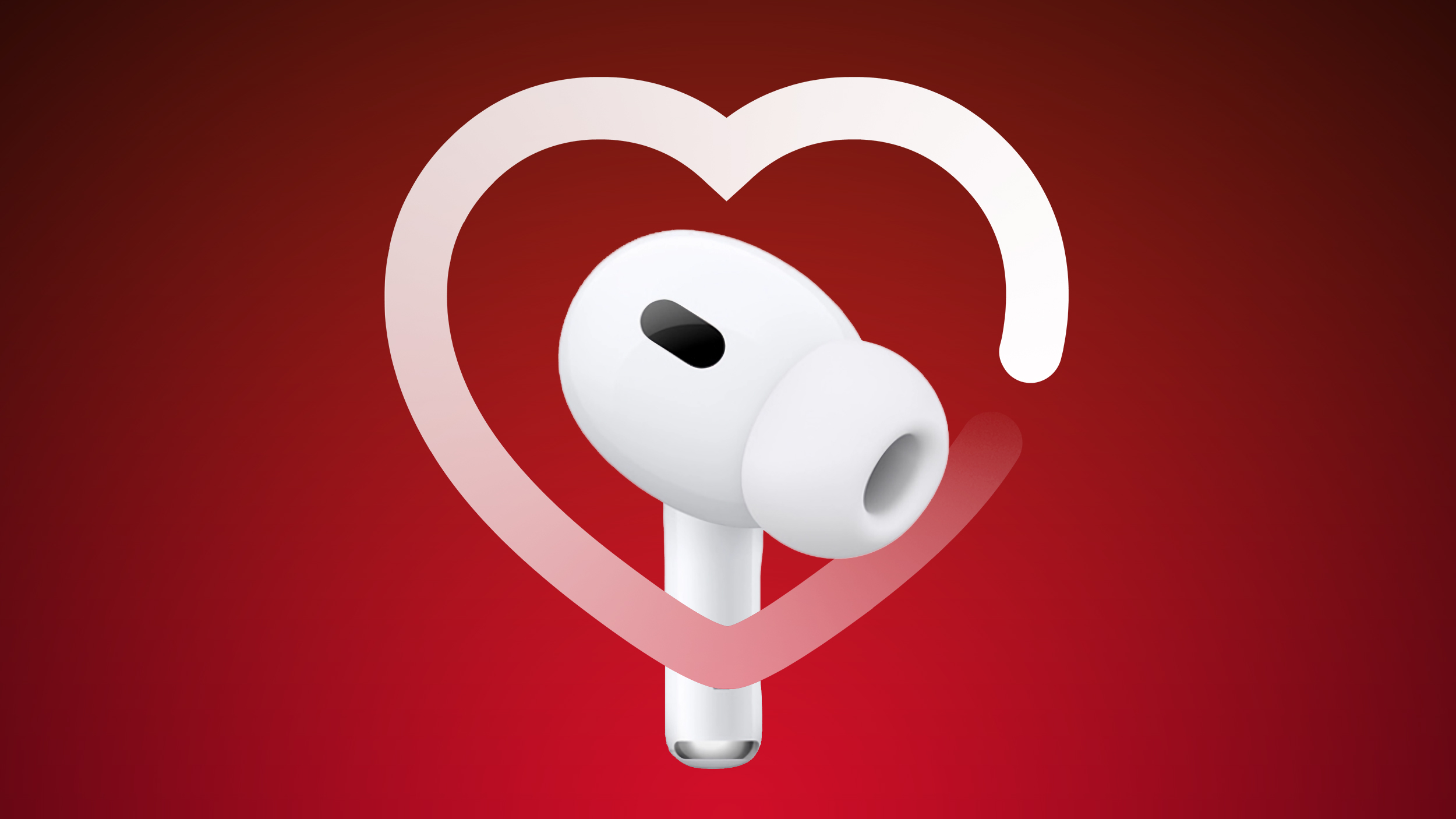
Heart rate monitoring during workouts: Like the Powerbeats Pro 2, the AirPods Pro 3 feature a heart rate sensor that shines pulsating infrared light to measure light absorption in blood flow. AirPods Pro 3 users can track their heart rate and calories burned, close their Move ring, and earn awards for 50 different workout types in the Fitness app on an iPhone, with no Apple Watch required.
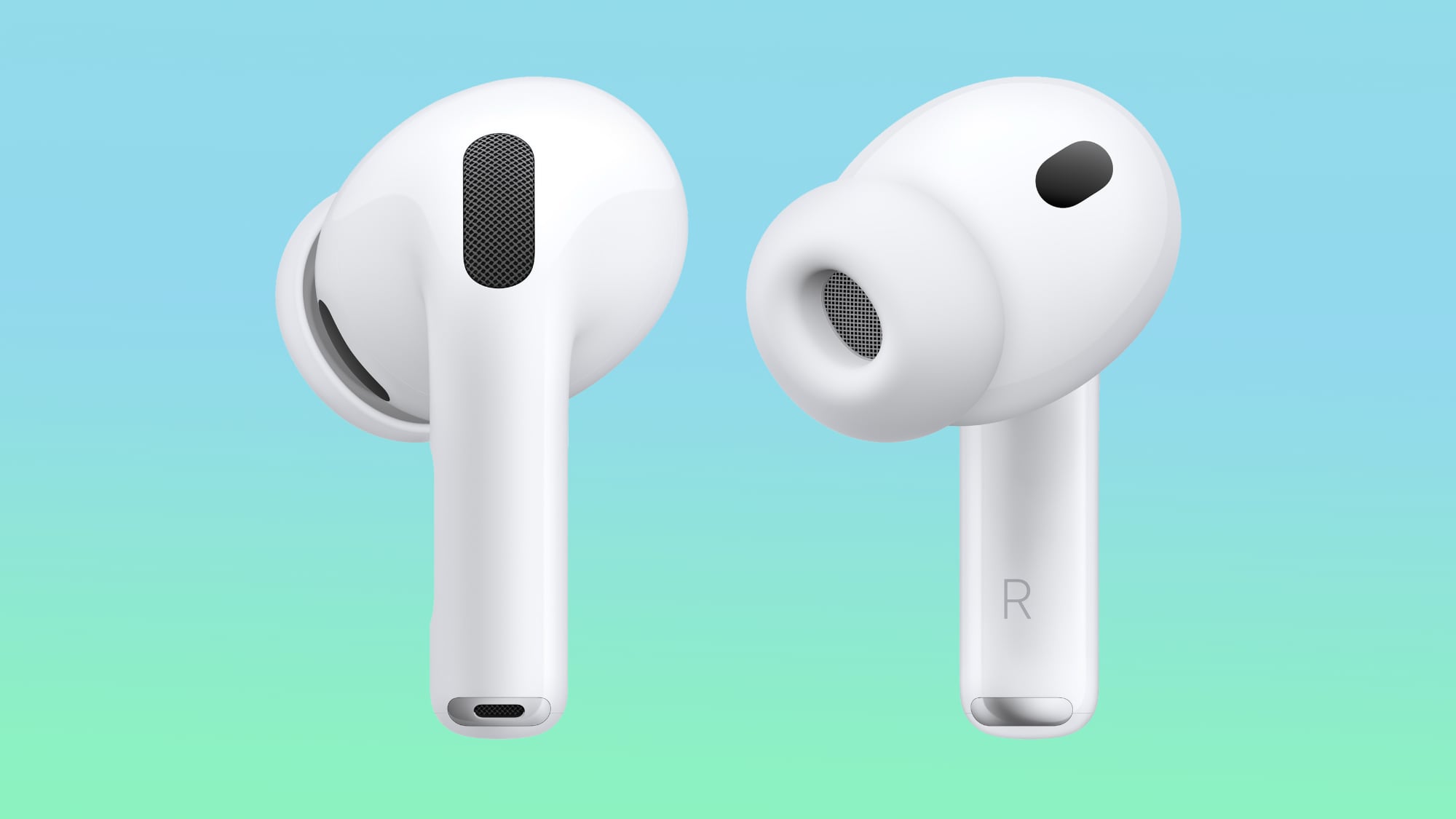
Improved fit: Apple says AirPods Pro 3 are the "most secure and best-fitting AirPods ever." The earbuds are slightly smaller, and the external design of each ear tip was "aligned to the center of the body for increased stability."
Improved water resistance: AirPods Pro 3 have IP57-rated sweat and water resistance, up from IP54 for the AirPods Pro 2. By definition, an IP57 rating means the AirPods Pro 3 could withstand temporary immersion in up to one meter of water, but Apple's marketing only promises that they "can handle the sweatiest workouts and even a sudden downpour."
U2 chip: No, the AirPods Pro 3 do not come with a free U2 album, but the charging case does feature Apple's second-generation Ultra Wideband chip, presumably for longer location-tracking range in the Find My app.
XXS ear tip option: AirPods Pro 3 come with new XXS silicone ear tips, along with the same XS, S, M, L sizes included with the AirPods Pro 2. Apple says the tips are now infused with foam for greater passive noise isolation.
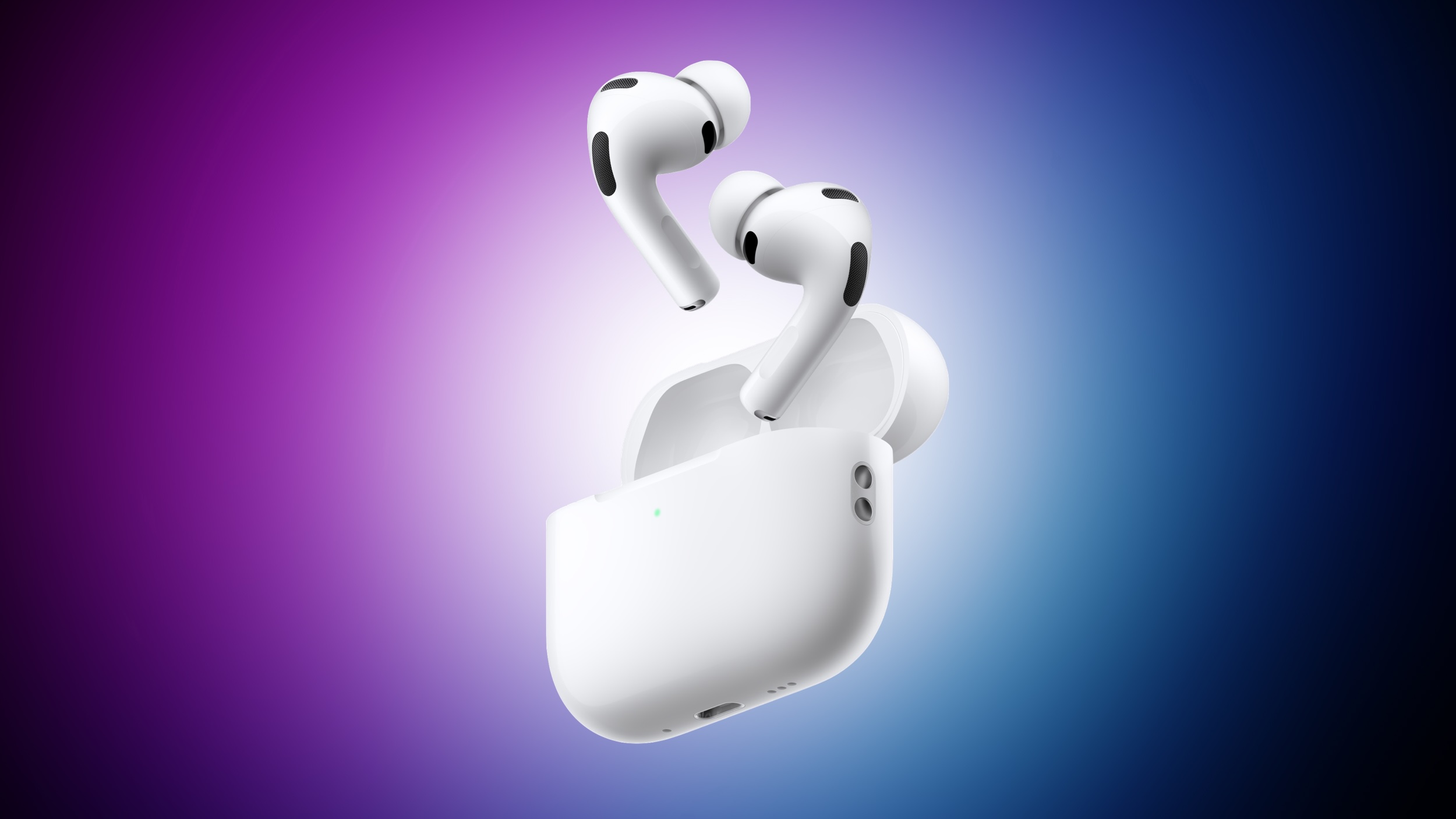
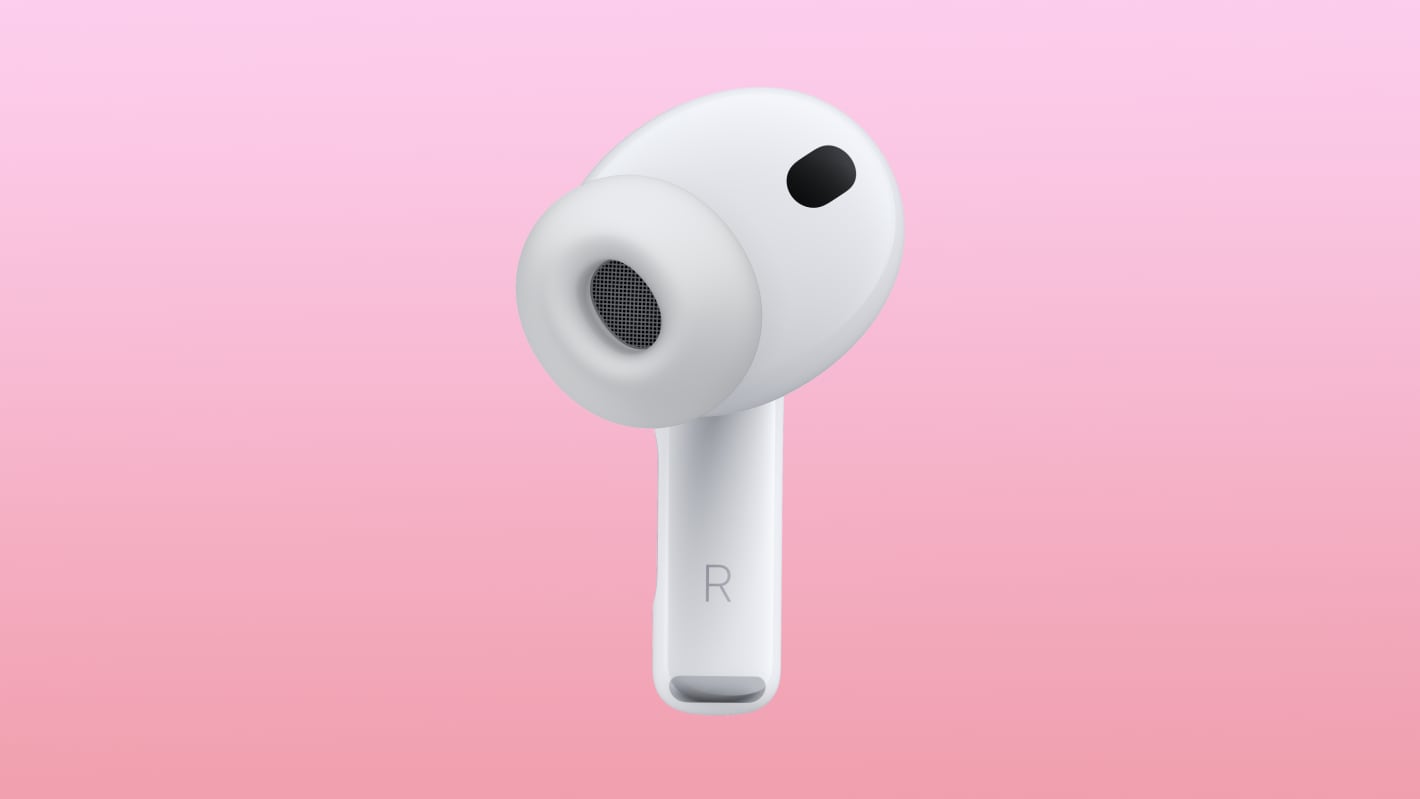
The AirPods Pro 3 have an updated design that Apple says is more ergonomic, and new ear tips that are supposed to be better at eliminating ambient sound.
Apple included new ear tips that fuse a thin layer of soft foam microspheres to a silicone shell for better passive noise isolation.
The ear tips come in five sizes, including XXS, XS, S, M, and L, The smaller XXS size wasn't available with the AirPods Pro 2.
The new foam ear tips, the wider range of size options, improved computational audio, and the design changes to make the earbuds fit more ergonomically in the ear all help to make the AirPods Pro 3 2x better at Active Noise Cancellation than the AirPods Pro 2.
Apple is still selling the AirPods Pro 3 for $249, but there is no longer a USB-C charging cable inside, so the company is saving a bit of cash with this model. The AirPods Pro 3 are available for pre-order and will launch on Friday, September 19.
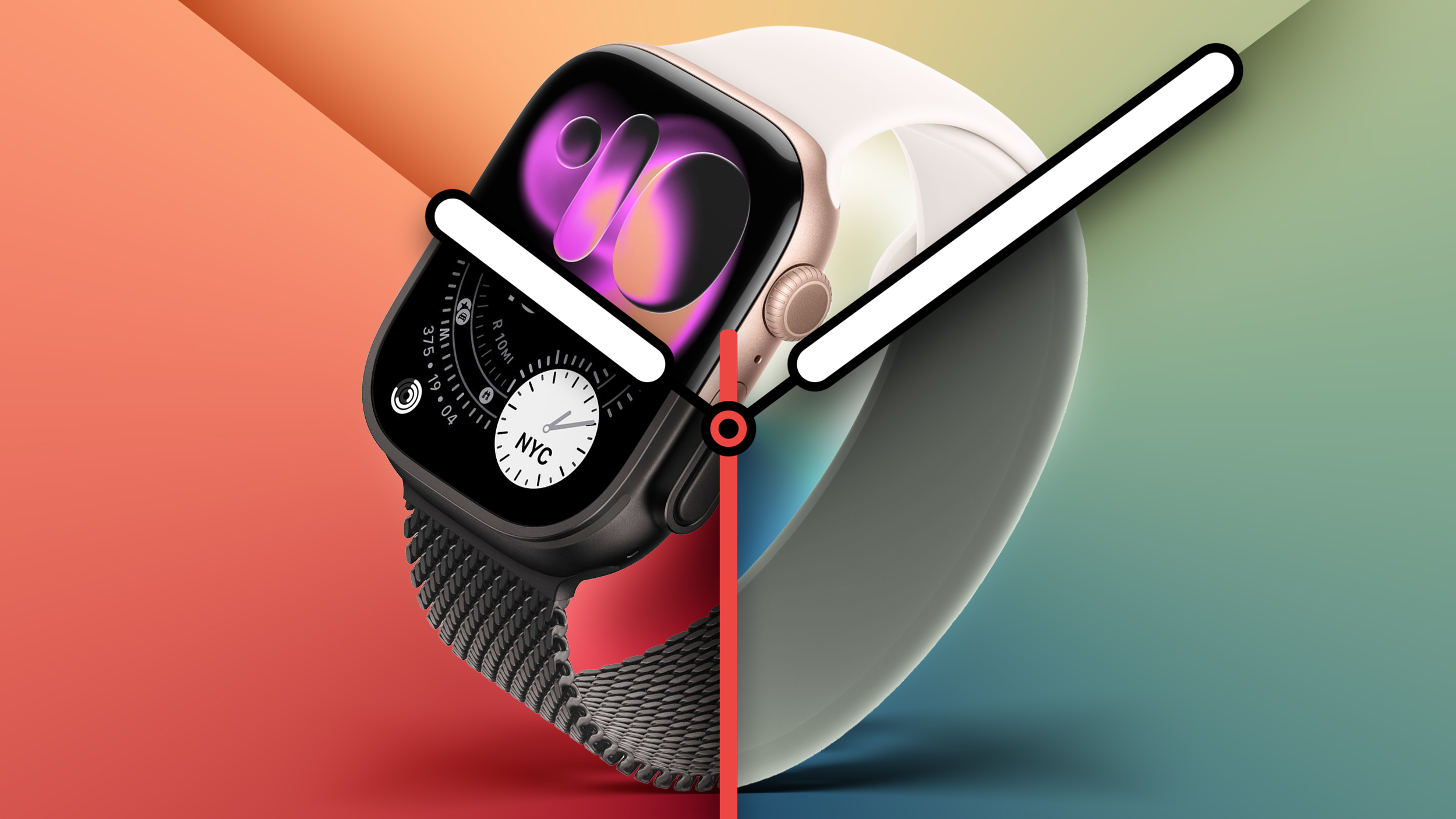
The new Apple Watch lineup is now available to pre-order. With more feature parity than ever before across the models, understanding the differences is more important ever before.
All three of the new Apple Watches feature the S10 chip, always-on displays, sleep score, and media playback, but there are still some significant differences between the two devices.
The Apple Watch SE is designed to be a low-cost option that still offers many of the Apple Watch features that have made the device so popular over the years, while the Apple Watch Series 11 offers a more feature-rich experience with additional health monitoring capabilities. The Apple Watch Ultra focuses on withstanding extreme environments, a high level of durability, extended battery life, and additional features to aid activities like diving and exploration.
With as little as $50 between the 46mm titanium Apple Watch Series 11 and the Apple Watch Ultra 3, some prospective customers will be weighing up whether it is worth spending a little extra to get the 49mm Ultra model. While there is a $400 difference between the GPS-only 42mm aluminum Apple Watch Series 11 and the Apple Watch Ultra, the high-end model offers a set of features to address specific challenges, so it may even be worth it for some of these buyers.
This guide outlines all of the differences between the Apple Watch SE 3, Apple Watch Series 11, and Apple Watch Ultra 3 to help you decide which is best for you.
Sizes and Weights
Apple Watch SE 3
Apple Watch Series 11
Apple Watch Ultra 3
Height
44mm (44mm case)
40mm (40mm case)
46mm (46mm case)
42mm (42mm case)
49mm
Width
38mm (44mm case)
34mm (40mm case)
39mm (46mm case)
36mm (42mm case)
44mm
Depth
10.7mm
9.7mm
12mm
Weight
32.9g (GPS, 44mm)
33.0g (GPS + Cellular, 44mm)
26.3g (GPS, 40mm)
26.4g (GPS + Cellular, 40mm)
37.8g (aluminum, GPS, 46mm)
36.9g (aluminum, GPS + Cellular, 46mm)
43.1g (titanium, 46mm)
30.3g (aluminum, GPS, 42mm)
29.7g (aluminum, GPS + Cellular, 42mm)
34.6g (titanium, 42mm)
61.6g (natural titanium)
61.8g (black titanium)
Designs
Apple Watch SE 3
Apple Watch Series 11
Apple Watch Ultra 3
40mm or 44mm case size
42mm or 46mm case size
49mm case size
Anodized aluminum case
Anodized or polished aluminum and polished titanium casing options
Blasted titanium case
Curved display
Curved display with refractive edge
Flat display
80% recycled steel in the speaker and Taptic Engine
Apple Watch Hermès edition available
Apple Watch Hermès edition available
Available in Starlight and Midnight
Aluminum: Available in Rose Gold, Space Gray, and polished Jet Black
Titanium: Available in Natural, Gold, and Slate
Durability
Apple Watch SE 3
Apple Watch Series 11
Apple Watch Ultra 3
Design based on Apple Watch Series 4
Design based on Apple Watch Series 10, including a thinner casing, more rounded edges, and a wider aspect ratio
Same design as previous Apple Watch Ultra models
Front crystal curves at edges onto shaped casing
Front crystal curves at edges onto shaped casing
Corrosion resistant case with raised edges to protect the flat sapphire front crystal
Nylon composite and sapphire crystal back
Metal and sapphire crystal back
Ceramic and sapphire crystal back
Water resistant up to 50m
Water resistant up to 50m
Water resistant up to 100m
EN13319 certification
Certified IP6X dust resistance
Certified IP6X dust resistance
Tested to MIL-STD 810H
Displays
Apple Watch SE 3
Apple Watch Series 11
Apple Watch Ultra 3
Up to 1,000 nits brightness
Up to 2,000 nits brightness
Up to 3,000 nits brightness
2 nits minimum brightness
1 nit minimum brightness
1 nit minimum brightness
OLED
Wide-angle OLED (up to 40% brighter when viewed at an angle)
Wide-angle OLED (up to 40% brighter when viewed at an angle)
LTPO
LTPO3 for faster refresh rate in always-on mode
LTPO3 for faster refresh rate in always-on mode
Health Features
Apple Watch SE 3
Apple Watch Series 11
Apple Watch Ultra 3
Second-generation optical heart sensor
Third-generation optical heart sensor
Third-generation optical heart sensor
Hypertension notifications
Hypertension notifications
Electrical heart sensor
Electrical heart sensor
ECG app
ECG app
Blood Oxygen app
Blood Oxygen app
Battery Life and Charging
Apple Watch SE 3
Apple Watch Series 11
Apple Watch Ultra 3
Up to 18-hour battery life
Up to 24-hour battery life
Up to 42-hour battery life
Up to 32 hours in Low Power Mode
Up to 38 hours in Low Power Mode
Up to 72 hours in Low Power Mode
Charge 0–80% in about 45 minutes; 15 minutes for up to 8 hours
Charge 0–80% in about 30 minutes; 15 minutes for up to 8 hours
Charge 0–80% in about 45 minutes; 15 minutes for up to 12 hours
Always-on altimeter with expanded operating range from –500m to 9000m
Satellite connectivity
Emergency SOS via satellite
Single microphone with voice isolation
Single microphone with voice isolation
Three-microphone array with beamforming and wind noise mitigation
Single speaker
Single speaker
Dual speakers
86-decibel Siren to attract attention
Prices
Apple Watch SE 3
Apple Watch Series 11 (Aluminum)
Apple Watch Series 11 (Titanium)
Apple Watch Ultra 3
GPS
$249 (40mm)
$279 (44mm)
$399 (42mm)
$429 (46mm)
GPS + Cellular
$299 (40mm)
$329 (44mm)
$499 (42mm)
$529 (46mm)
$699 (42mm)
$749 (46mm)
$799
Which One Should You Choose?
SE 3 vs. Series 11
The Apple Watch Series 11 is a minor improvement over the previous Series 10 model, offering a 5G connectivity and longer battery life. Yet compared to the Apple Watch SE 3, the Apple Watch Series 11 is a noticeably more feature-rich device with advanced capabilities.
With its larger display, additional health monitoring features, and range of colors and finishes, the Apple Watch Series 11 will be the model of choice for those who want more out of their smartwatch. If you feel that the added health monitoring features or longer battery life would be particularly beneficial to you, or simply like a specific casing and color combination not available with the Apple Watch SE 3, the Apple Watch Series 11 will be the best model for you.
If you are on a budget and are not particularly attracted to the additional features of the Series 11, the Apple Watch SE 3 is still a compelling option. As it shares many key features with the Apple Watch Series 11, many customers will be happy choosing the more inexpensive model, unless you particularly value features such as the larger display or advanced health monitoring and can justify the added cost.
The Apple Watch SE 3 is an ideal device for kids and senior citizens who do not have an iPhone thanks to Family Setup, but it is also the go-to model for most customers who are new to the Apple Watch and those who are upgrading from an older device due to its competitive pricing and generous feature set, allowing users to get a balanced Apple Watch experience at a low price.
Series 11 vs. Ultra 3
The Apple Watch Ultra offers specific capabilities to address the requirements of those who need their Apple Watch to provide assistance in challenging environments. If you need a more durable Apple Watch with features like a brighter display, louder speakers, a more reliable GPS, better water resistance, and more, the Apple Watch Ultra is undoubtedly the best choice. The Apple Watch Ultra is clearly better equipped to handle tasks like hiking, diving, and navigation.
The Apple Watch Ultra is also biggest and most feature-rich Apple Watch option available, not to mention that it offers the first true redesign of the device since its introduction in 2015. For technology enthusiasts, Apple Watch Ultra represents a way to get a new Apple Watch experience with top specifications in several key areas. Features like longer battery life, a brighter display, and the Action button are also highly accessible, and will be beneficial to all users. As such, some customers may still be inclined to choose the Apple Watch Ultra 3 over the Apple Watch Series 11, even if they do not need it for use in challenging environments.
As the largest Apple Watch model to date, the size of the Apple Watch Ultra will not be for everyone. If you already prefer the 41mm or 42mm Apple Watch casing size, the Apple Watch Ultra may be far too large for you. If in doubt, it may be worth heading to an Apple Store and trying on the Apple Watch Ultra in person to get to grips with the size and determine if it is too big and bulky for you.
Similarly, the Apple Watch Ultra's look may not appeal to some buyers. If you prefer the idea of a polished finish and are looking for a more fashion-focused smartwatch that pairs well with premium bands, the more aggressive, rugged design of the Apple Watch Ultra may not be for you.
If the Apple Watch Ultra is out of your price range but you still want to use your Apple Watch in challenging environments, it is worth bearing in mind that the Series 11 still offers a durable design with a strong front crystal, water resistance, and many of the Apple Watch Ultra's software features like waypoint marking.
The Apple Watch Ultra 3 has a lot to offer, especially for the subset of users who can take advantage of all of its capabilities, so it is certainly worth considering when purchasing a new model, but the Apple Watch Series 11 is still a compelling all-around option that comes in at a lower price point with a subtler design.
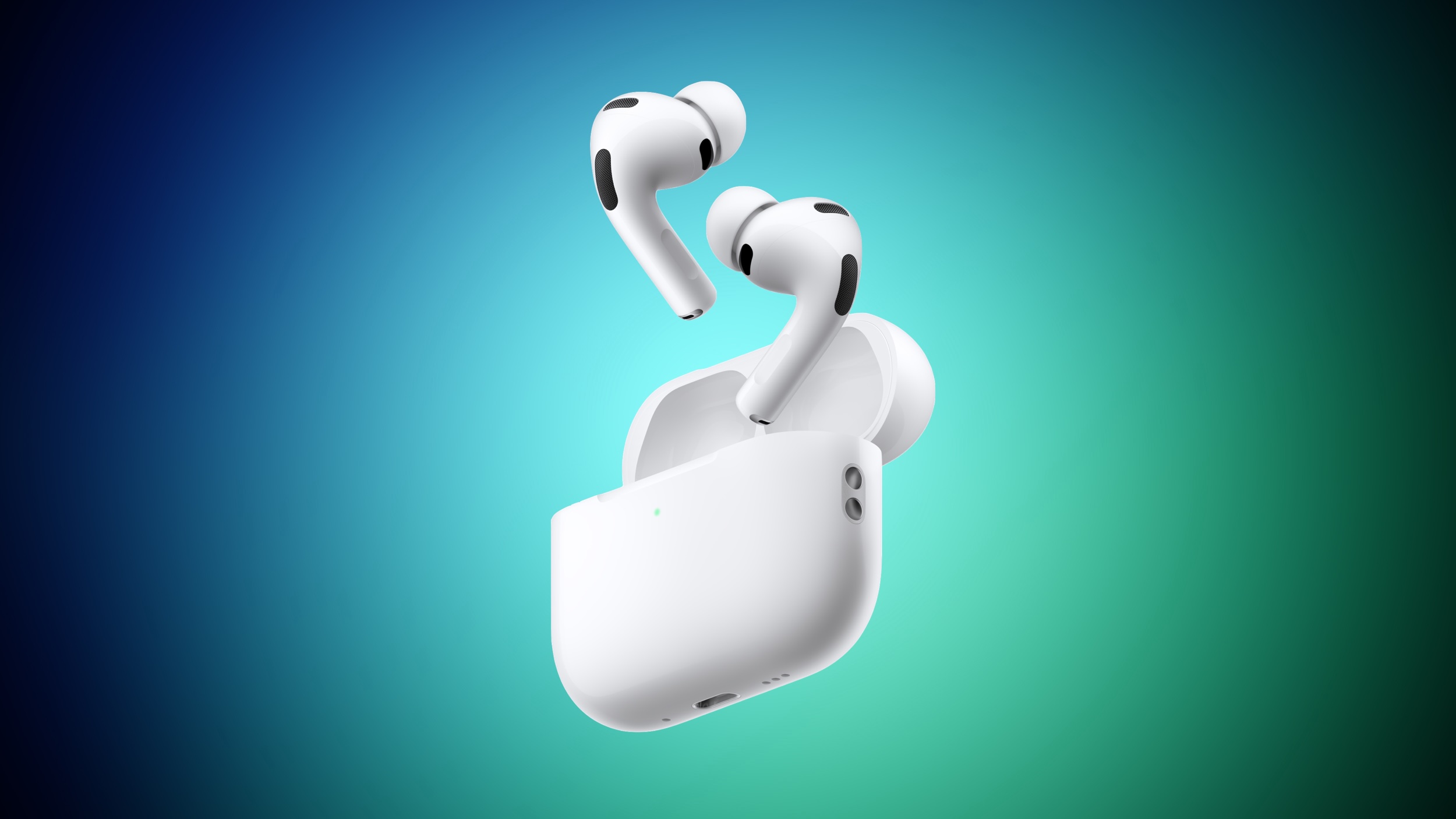
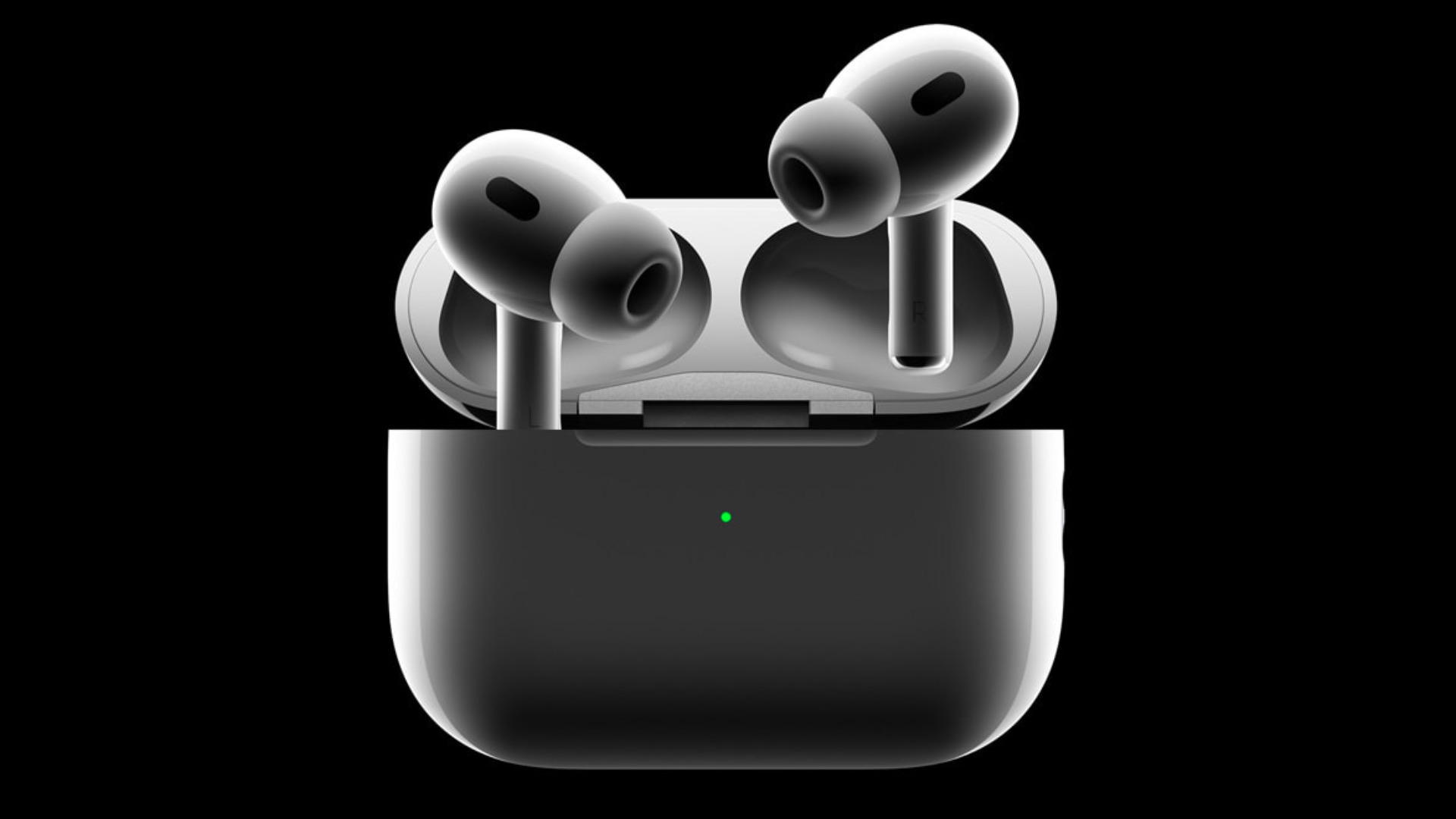
Apple tweaked the design of the AirPods Pro 3, changing the fit of the tips in the ears and bringing some updates to the case. On the whole, the AirPods Pro 3 look a lot like the AirPods Pro 2, but there are some differences to be aware of.
Earbud Design
Apple reengineered the AirPods Pro 3 using more than 10,000 ear scans and more than 100,000 hours of user research.
Apple says internal architecture was revamped to make each AirPod slightly smaller, and the external geometry of the ear tip was aligned to the center of the body to improve stability. Basically, the ear tips are now rotated inward.
The shape is meant to better fit into the ear canal, improving sound isolation and ensuring that the AirPods Pro stay in place during workouts.
When it comes to actual size, there are a couple changes. The AirPods Pro 3 are the same height as the AirPods Pro 2, so the stem isn't any shorter. Width is now 19.2mm, down from 21.8mm, so they're a little bit slimmer. They're also deeper, though, measuring 27mm, up from 24mm. Weight increased too, so the AirPods Pro 3 are 5.55 grams, while the AirPods Pro 2 were 5.3 grams.
Charging Case
There were rumors that Apple would slim down the AirPods Pro 3 Charging Case, like it did with the AirPods 4 Charging Case last year.
That didn't happen. The AirPods Pro 3 Charging Case is actually larger than before. It measures in at 1.86 inches tall (up from 1.78 inches), 2.45 inches wide (up from 2.39 inches), and 0.86 inches deep (up from 0.85 inches). It's not as heavy, weighing 1.55 ounces, down from 1.79 ounces.
AirPods Pro 2 on left, AirPods Pro 3 on right
The case for the AirPods Pro 3 has an attachment point for a lanyard, along with a capacitive pairing button and an invisible LED that only shows up when the case is opened or charging.
Battery life for the earbuds themselves is up, but the charging case doesn't last as long. Apple says it provides up to 24 hours of charging time, but the AirPods Pro 2 case provided up to 30 hours of listening time.
You can pre-order the AirPods Pro 3 now, and the earbuds will launch on September 19. Pricing is still $249.
While the AirPods Pro 2 included a USB-C charging cable in the box, the AirPods Pro 3 unveiled on Tuesday come without one, according to Apple's website.
The case for the AirPods Pro 3 can be wirelessly charged with MagSafe, Qi, and Apple Watch chargers, so a charging cable is not strictly required.
AirPods Pro 3 also ship without a charger, but that has been the case since the original AirPods Pro launched in 2019, so that is no surprise.
In the U.S., AirPods Pro 3 are priced at $249, just like the AirPods Pro 2 were. However, while there was no price increase, Apple is now poised to earn some extra revenue from additional sales of USB-C charging cables.
AirPods Pro 3 are available to pre-order now, and they launch on Friday, September 19. Read our coverage of Apple's announcement to learn about new features, including improved sound quality, increased active noise cancellation, longer battery life, better fit, in-ear heart rate monitoring during workouts, and much more.
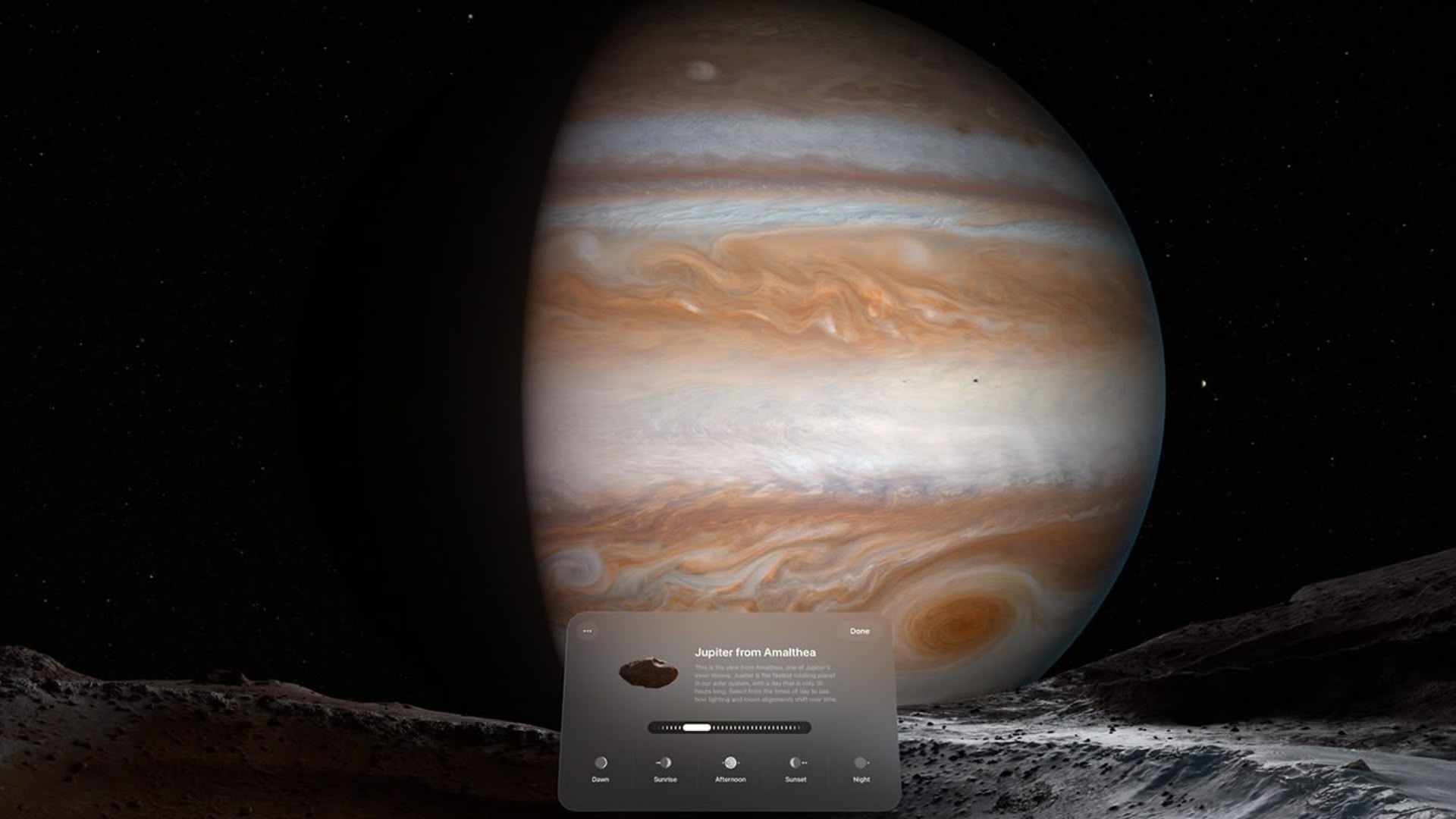
Apple made the visionOS 26 release candidate available to Vision Pro developers on Tuesday, and one of the more interesting additions in this version is a new Jupiter environment.
Apple previewed the Jupiter environment for WWDC attendees in June, but this is the first time that Vision Pro owners have been able to try it out for themselves in the comfort of their own home.
In visionOS 26, the Morning Light environment has made way for Jupiter, which needs to be downloaded first to experience it.
Jupiter is the fastest rotating planet in our solar system, with a day that is only 10 hours long, and Apple gives you a taste of it thanks to a new "Explore Jupiter" option that makes this Environment more interactive than others.
Your actual perspective in the environment is from one of Jupiter's inner moons called Amalthea, and you can speed up time to watch the sunlight break across Jupiter as enormous storms swirl across its surface.
A new interface lets you select from the times of day to see how lighting and moon alignments shift over time. Options include Dawn, Sunrise, Afternoon, Sunset, and Night. There's also a slider that you can use to cycle through the time of day.
However, if you just sit and watch the scene at normal pace, you can actually see Jupiter's Great Red Spot – the largest and longest-lasting storm in our solar system – ever-so-gradually swirling in the distance. It's pretty spectacular.
In case you were wondering how realistic the planet is portrayed, the imagery Apple has used is from NASA, so it's as authentic as one can hope for. It's an interesting new take on the Environment concept, and one that Apple is likely to explore further in future updates.
visionOS 26 is scheduled to be released to the public on Monday, September 15.
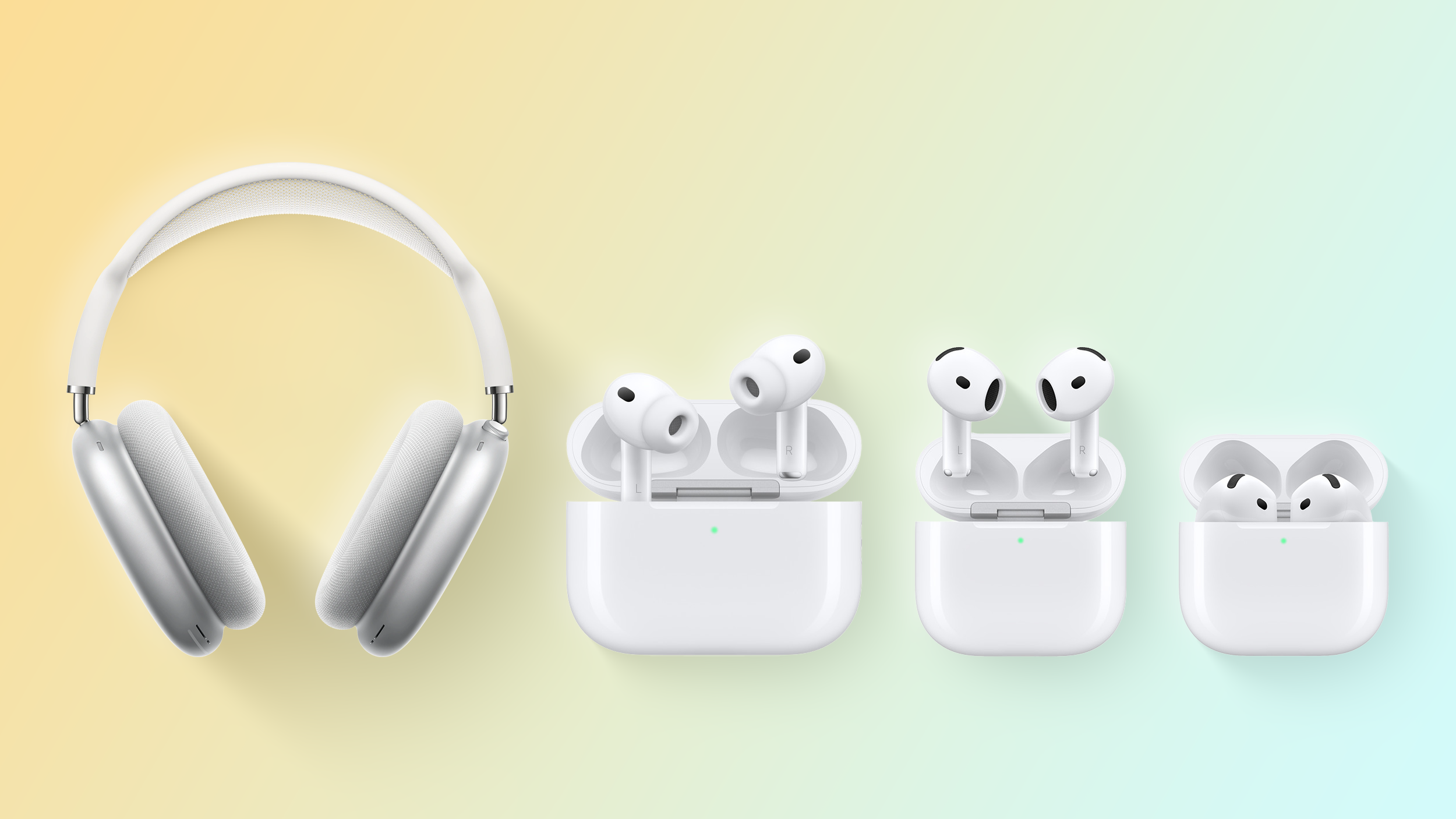
Apple announced third-generation AirPods Pro on Tuesday at its "Awe dropping" event, and the company has discontinued AirPods Pro 2 to make room for them in its new-look lineup.
Here's how Apple's AirPods offering looks like now:
AirPods 4 – $129
AirPods 4 with Active Noise Cancelation – $179
AirPods Pro 3 – $249
AirPods Max – $549
AirPods Pro 3 have the same $249 price tag as the previous generation model, so users will be getting several new features and enhancements for the same outlay.
These include up to 2x better Active Noise Cancellation (ANC), up to 8 hours of listening time with ANC on a single charge, a new design, built-in heart rate sensing, foam-infused ear tips, Live Translation, and more.
Apple has started accepting pre-orders for AirPods Pro 3. The new devices will be delivered to customers starting on Friday, September 19. Will you be getting a pair? Let us know in the comments.
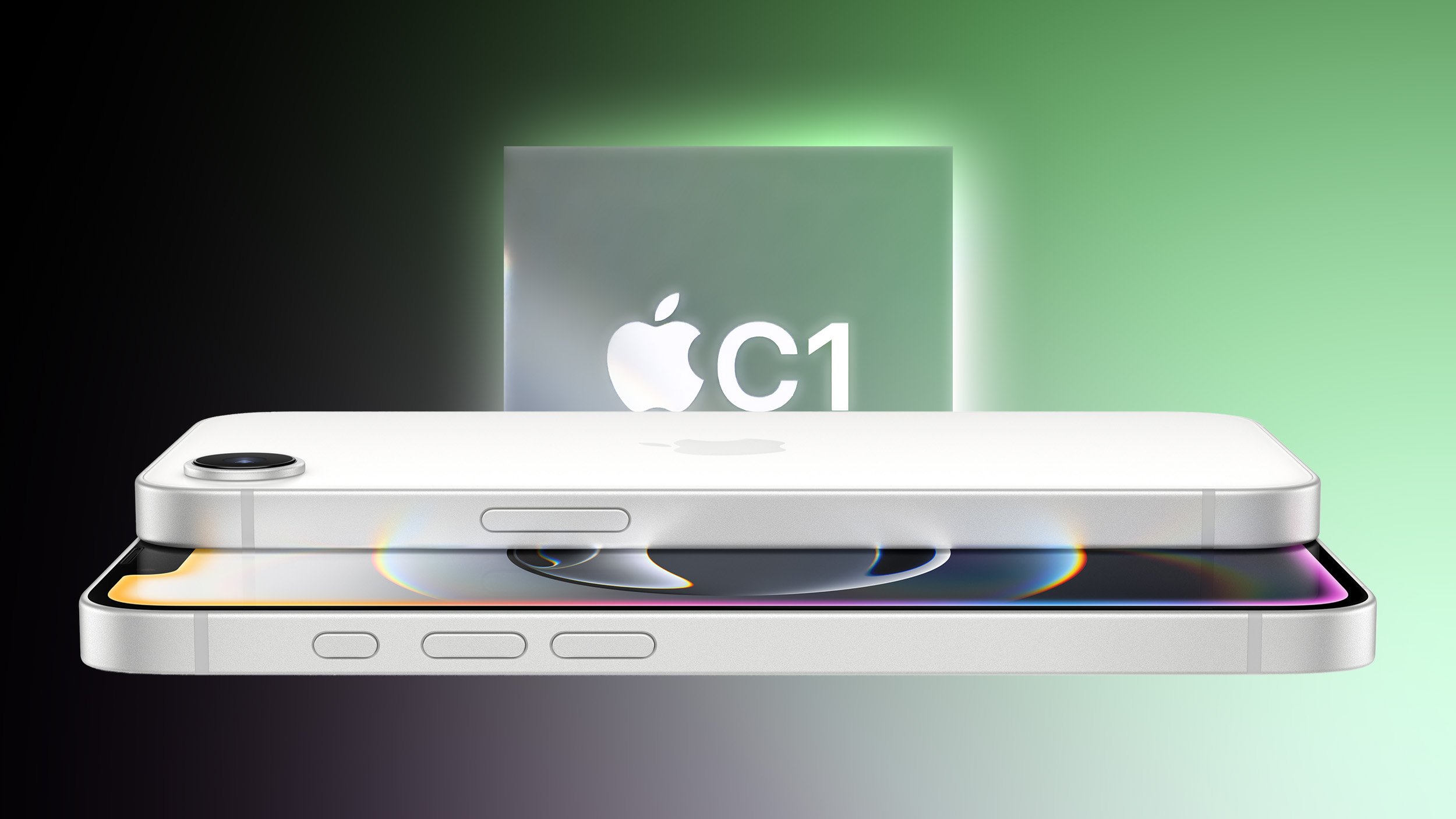
In short, Ookla found that the iPhone 16e with Apple's custom-designed C1 modem "performs similarly" to the standard iPhone 16 with Qualcomm's Snapdragon X71 modem in the "vast majority of markets" that it examined.
However, results sometimes varied considerably based on carrier and country.
Ookla said the median 5G download speed for the standard iPhone 16 on T-Mobile's network in the U.S. was 317 Mbps, compared to 252 Mbps on the iPhone 16e. However, on an unspecified Spanish network, it said the iPhone 16e achieved a median 5G download speed of 139 Mbps, topping the iPhone 16 at 110 Mbps.
All in all, Ookla said the iPhone 16e performs "comparatively" to the iPhone 16 for 5G connectivity, which reinforces its earlier March findings.
iPhone 16e users can rest assured that Apple's first 5G modem is no slouch, which is good news ahead of Apple's special event tomorrow, as the ultra-thin iPhone 17 Air is also expected to be equipped with the C1 modem.
Apple is preparing to launch two versions of the AirPods Pro 3 over 2025 and 2026, according to a Weibo leaker.
Yesterday, supply chain analyst Ming-Chi Kuoreported that Apple is planning to debut the AirPods Pro 3 this year. They could arrive as soon as this week at Apple's "Awe dropping" event.
Crucially, Kuo added that Apple is planning to introduce a successor to this year's AirPods Pro in 2026. This would be somewhat unusual since Apple normally waits around three years to make major changes to the AirPods' hardware. AirPods Pro 2 debuted at the iPhone 14 event in September 2022, and they were updated with a USB-C charging case and a few other tweaks in September 2023. Otherwise, Apple has waited about three years to update all of its AirPods models.
Kuo said that the 2026 AirPods Pro will feature a "more significant" hardware upgrade in the form at least one tiny infrared camera. He previously said AirPods with infrared cameras could recognize hand gestures and provide an enhanced spatial audio experience with Apple's Vision Pro headset.
Now, the Chinese leaker known as "Instant Digital" has corroborated the rumor with some additional details and clarifications. Rather than being a new generation, the 2026 AirPods Pro will be a high-end variant of the AirPods Pro 3 introduced this year, suggesting that both models will ultimately be on sale alongside each other. It is worth noting that Apple offers two version of the AirPods 4 at $129 and $179 price points.
As Kuo first said, Instant Digital similarly believes that the key differentiator will be an infrared camera for gesture controls. In fact, Apple may remove the high-end model's pressure-sensors and go all-in on gesture controls. The cost for customers is expected to exceed the current AirPods Pro's full retail price of $249.
Just ahead of Apple unveiling the iPhone 17 series on Tuesday, it appears that battery capacities for the devices have surfaced in a Chinese regulatory database.
The database suggests that the iPhone 17 Air, iPhone 17 Pro, and iPhone 17 Pro Max will be available with and without a physical SIM card tray, depending on the country of sale. On the other hand, the base-model iPhone 17 might have only one battery size, as only a single capacity for that device has been discovered so far.
Given the SIM card tray takes up some space inside an iPhone, the models with it appear to have slightly lower battery capacities than eSIM-only variants.
Model
With SIM Card Tray
Without
YoY Increase (Maximum)
iPhone 17
3,692 mAh
+3.7%
iPhone 17 Air
3,036 mAh
3,149 mAh
—
iPhone 17 Pro
3,988 mAh
4,252 mAh
+18.7%
iPhone 17 Pro Max
4,823 mAh
5,088 mAh
+8.6%
MacRumors has independently confirmed that some of these battery listings are present in the Chinese regulatory database shown in the screenshot, but we cannot explicitly say that they are for the iPhone 17 models, as Apple stopped using obvious "A####" identifiers for iPhone batteries a few years ago. However, we do believe there is a good chance these are in fact the battery capacities for the iPhone 17 series.
Apple removed the SIM card tray in the U.S. starting with the iPhone 14 series, but it has simply put a piece of plastic where the tray used to be inside those devices. As a result, all iPhone 14 through iPhone 16 models sold in the U.S. have the same battery capacities as the equivalent models sold in other countries.
It was previously rumored that Apple plans to eliminate the SIM card tray from iPhones in more countries beyond the U.S. this year, but it might continue to exist in some countries, due to limited eSIM availability or other factors. For example, some iPhone 17 models might still have a SIM card slot in China, due to local regulations.
Notably, the iPhone 17 Air is the model that is most expected to lack a physical SIM card slot in many countries, due to its ultra-thin design with limited internal space.
A few takeaways based on these alleged capacities:
It looks like the smaller iPhone 17 Pro will be receiving a significant boost in battery life, with a nearly 19% increase in capacity over the iPhone 16 Pro.
As rumored, the iPhone 17 Pro Max would become the first iPhone model to cross the 5,000 mAh battery capacity mark. With a 5,088 mAh battery, the device would have a around an 8% larger battery compared to the iPhone 16 Pro Max.
Given that Apple is now required to show an energy label on its iPhone product pages in the EU, official mAh battery capacities might be published later this week.
As always, you can only directly compare mAh values when the batteries have the same voltage, with Wh a preferred unit of measurement. iPhone batteries typically do have the same voltage, allowing for mAh comparisons.
A private account on X with a proven track record today shared alleged details about upcoming Apple Watch and iPad Pro models.
Here are the alleged devices that the account mentioned:
Apple Watch Series 11 with a chip based on the same architecture as the S9 and S10 chips in previous Apple Watch models
Apple Watch Ultra 3 with a chip based on the same architecture as the S9 and S10 chips
Apple Watch SE 3 with a chip based on the same architecture as the S9 and S10 chips
Four new iPad Pro configurations with the M5 chip
All three of the Apple Watch models listed above are expected to be unveiled during Apple's so-called "Awe Dropping" event on Tuesday, September 9, while iPad Pro models with the M5 chip will likely be announced in October.
All of these devices were already rumored, but this leak serves as even more evidence that an Apple Watch Ultra 3 and Apple Watch SE 3 will be unveiled alongside the Apple Watch Series 11. Last year, the Apple Watch Series 10 was the only new model, although the Apple Watch Ultra 2 did receive a new black titanium option.
The current Apple Watch SE was released in 2022, and the Apple Watch Ultra 2 launched in 2023, so those models have not always been updated annually.
As we already reported, based on information discovered by MacRumors contributor Aaron Perris, all of the new Apple Watch models will likely be equipped with an S11 chip that is similar to the S9 and S10 chips in previous Apple Watch models. There is precedent for this, as the S6, S7, and S8 chips were all based on the same architecture.
All signs point towards Apple unveiling the AirPods Pro 3 during its iPhone 17 event on Tuesday, September 9. However, Kuo did not provide a specific timeframe beyond the second half of 2025, which lines up with previous rumors.
Kuo did not mention any new features that are planned for the AirPods Pro 3. However, Bloomberg's Mark Gurman recently reported that the AirPods Pro 3 will likely have the same heart rate monitoring feature that Apple introduced on the Powerbeats Pro 2 earlier this year, along with a significantly smaller charging case.
When both Powerbeats Pro 2 earbuds are placed in the ears, and heart rate monitoring is active, Apple says LED optical sensors pulse at over 100 times per second to measure heart rate via blood flow. The feature integrates with popular fitness apps to collect data during workouts and sync it to Apple's Health app on the iPhone.
The feature is based on the Apple Watch's heart rate sensing technology. If someone is wearing both Powerbeats Pro 2 and an Apple Watch, Apple says apps default to using Apple Watch heart rate data, and that will likely apply to the AirPods Pro 3 too.
Beyond heart rate monitoring, it is likely that the next AirPods Pro will feature improved sound quality, increased active noise cancellation, design changes, and more.
AirPods Pro 2 debuted at the iPhone 14 event in September 2022, and they were updated with a USB-C charging case and a few other tweaks in September 2023.
Interestingly, Kuo said that Apple plans to update the AirPods Pro again next year, with a "more significant" hardware upgrade in the form at least one tiny infrared camera. A leaker on Chinese platform Weibo subsequently claimed that these will be a higher-end version of the AirPods Pro 3, rather than AirPods Pro 4. That would make sense, given the long three-year gap between the first, second, and third AirPods Pro generations.
Kuo previously said AirPods with infrared cameras could be controlled with in-air gestures, and provide an enhanced spatial audio experience with Apple's Vision Pro headset.
"For example, when a user is watching a video with Vision Pro and wearing this new AirPods, if users turn their heads to look in a specific direction, the sound source in that direction can be emphasized to enhance the spatial audio/computing experience," he said.
Apple's annual fall event takes place on Tuesday, September 9, when it is expected to unveil the new iPhone 17 lineup, an Apple Watch Series 11, a third-generation Apple Watch Ultra, and potentially AirPods Pro 3. It may also make some additional new products available, but there are a handful of rumored upcoming devices that we don't expect to make an appearance this month.
To help set expectations ahead of Apple's "Awe Dropping" event, we've compiled a list of products that Apple is unlikely to announce in September, but rather later on in the year or in 2026 and beyond.
M5-Powered Macs
Apple is developing new Macs powered by the company's next-generation M5 chip, which is expected to feature an enhanced ARM architecture manufactured using TSMC's advanced 3-nanometer process technology.
The last time Apple refreshed the MacBook Pro, Mac mini, and iMac was late October 2024, when the machines received M4 chips. The previous year, Apple dropped the M3 Macbook Pro in October. Does that mean we will see new Macs arriving later in 2025?
It's unlikely. Rumors suggest Apple won't refresh any Macs with updated M5 chips this year. According to Bloomberg's Mark Gurman, updated MacBook Air and MacBook Pro models are now planned for the first half of 2026. Apple is also expected to refresh the iMac and Mac mini with M5 series chips – but again, not until sometime next year.
New iPad Air and iPad 12
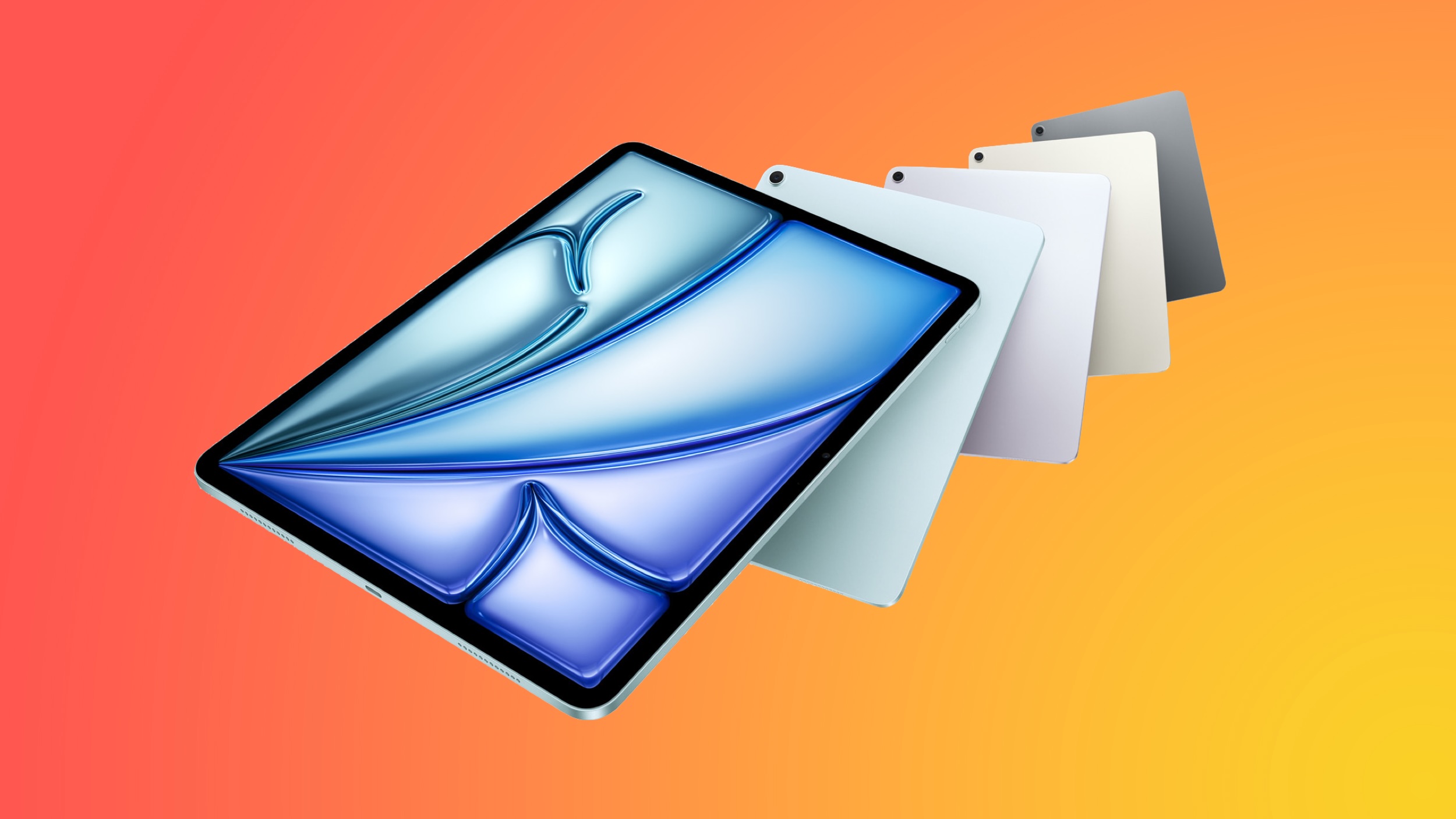
Apple in March 2025 updated the iPad Air with two seventh-generation models, adding updated M3 chips to the lineup. It released an 11th-generation mainstream iPad with an A16 chip the same month. Given Apple's recent trend of updating the 11-inch and 13-inch iPad Air models annually, don't expect Apple to drop a surprise refresh in September. Indeed, Bloomberg's Mark Gurman says updated iPad Airs and new low-end iPads aren't going to be ready until next year.
New Studio Display
Apple is working on a new version of the Studio Display with the same 27-inch screen size. According to display analyst Ross Young, it could be upgraded to mini-LED technology instead of LCD, which would bring improved contrast and HDR, increased brightness, and better color accuracy.
Apple's next-generation Studio Display will contain an "A19 Pro" chip, based on Apple code reviewed by MacRumors. The A19 Pro is almost certain to debut in the iPhone 17 Pro and iPhone 17 Pro Max next month. Apple is said to be planning to unveil the new Studio Display in early 2026 alongside new M5 Macs, according to Gurman.
iPhone 17e
Introduced in February 2025, the iPhone 16e is the next-generation version of the iPhone SE, and it is the most affordable iPhone that Apple sells at the current time, starting at $599.
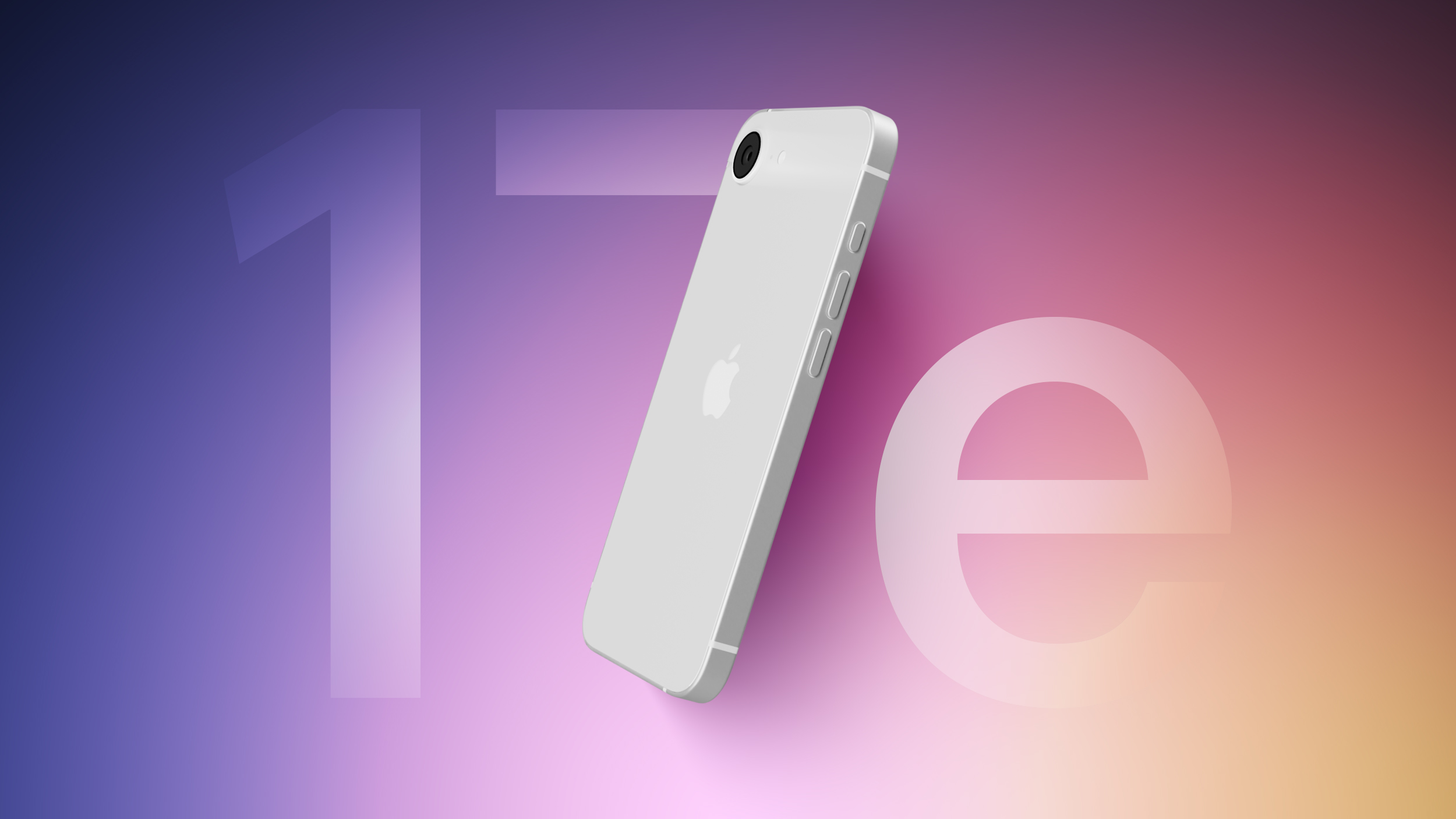
Apple plans to continue with the "e" iPhone line, and there is an iPhone 17e in development for launch in the first half of 2026, reportsBloomberg's Mark Gurman. The next-generation iPhone 17e could feature a new industrial design, an updated Dynamic Island, and a faster A19 chip. While the current iPhone 16e has a notch at the top of the display, the iPhone 17e could transition to the Dynamic Island.
AirPods Max 2
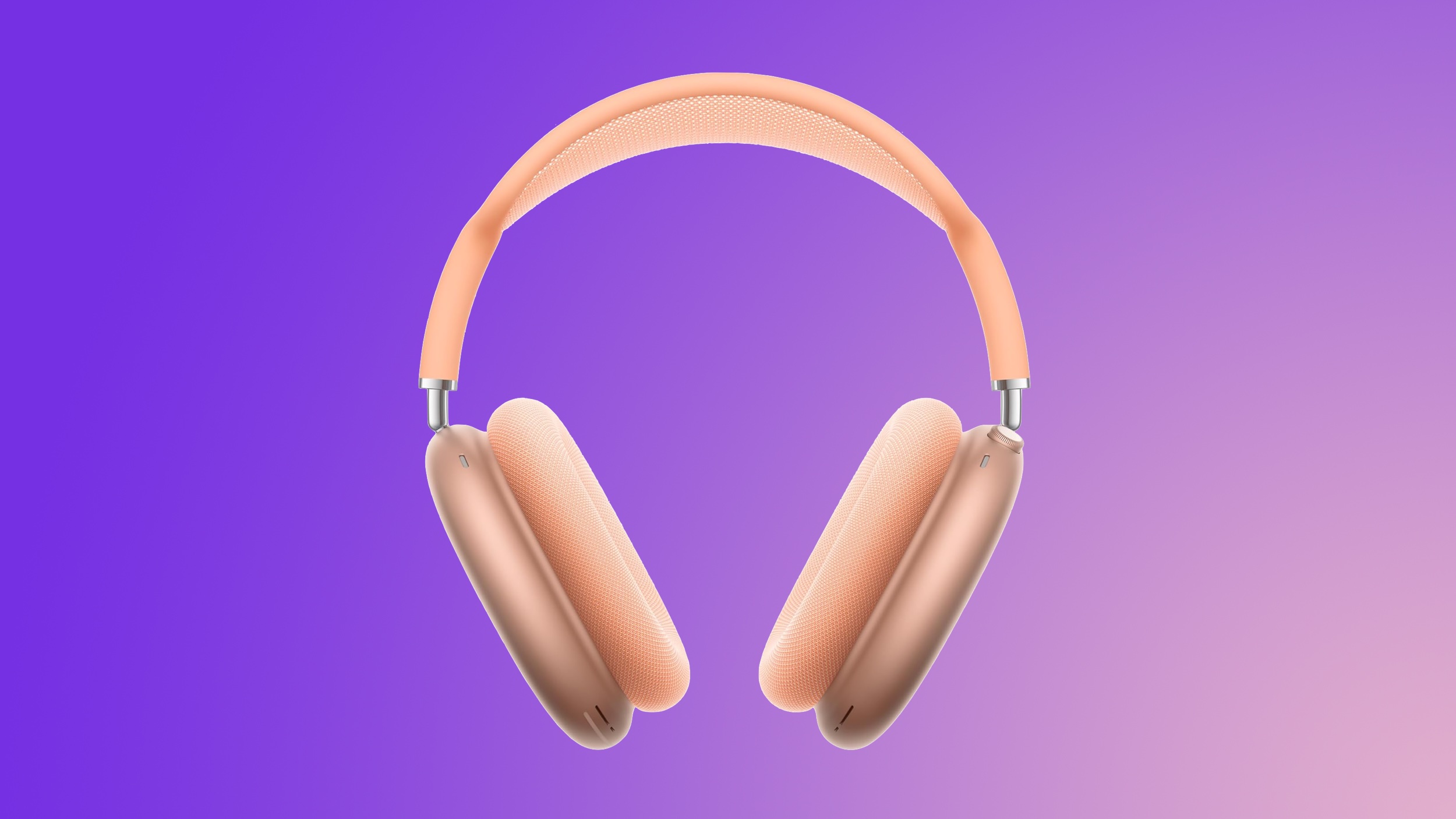
Apple introduced the AirPods Max in December 2020, so it's been nearly five years since the original launched. Last year, Apple updated the headphones with USB-C charging to comply with EU regulations, as well as some new color options, but no other meaningful improvements were made.
AirPods Max fans hoping for a second-generation version of Apple's over-ear headphones shouldn't hold their breath, though. Gurman recently said they were stuck in a commercial limbo – "too popular for Apple to stop selling them, and not popular enough for the company to invest a ton of time and money into creating a new version." Earlier this year, analyst Ming-Chi Kuo said AirPods Max 2 could enter mass production in 2027.
"HomePad" – HomePod With a Screen
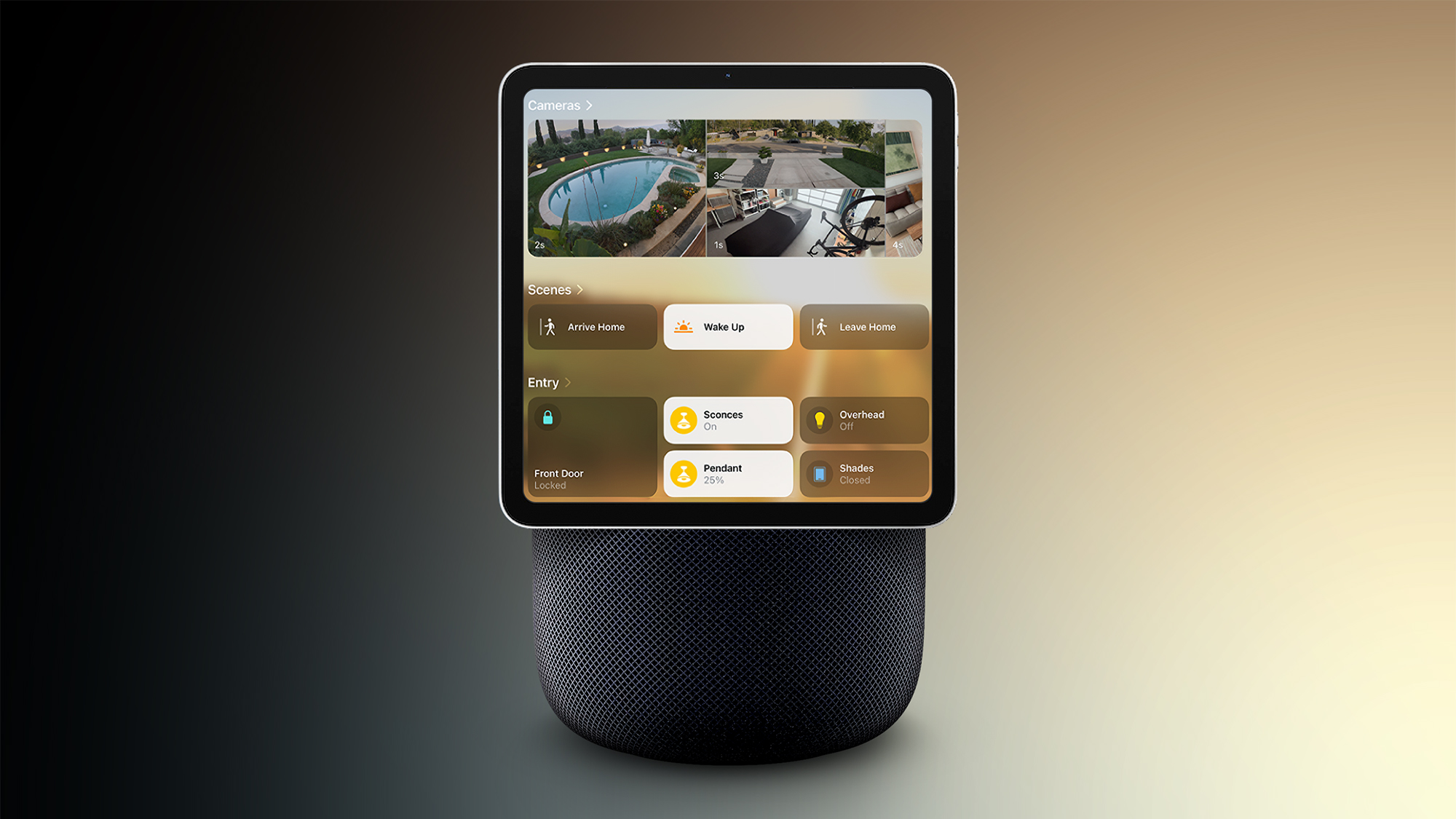
Apple is rumored to be working on a smart home hub that has been nicknamed the "HomePad." The device is expected to have a square iPad-like screen that can be attached to a HomePod-like speaker base, or it can be mounted on a wall.
Siri integration is expected, with Siri able to answer questions similar to how the HomePod works. In fact, after originally aiming for a release earlier this year, Apple has reportedly delayed the launch of the home hub due to the issues that it has had developing the Apple Intelligence version of Siri. Bloomberg now reports that the device will be introduced early next year.
Possibly, Maybe
In addition to the iPhone 17 series, new Apple Watch models and AirPods Pro 3, Apple is expected to prepare other products for release this year. Still, the company is unlikely to draw too much attention away from its flagship smartphones, and may choose to save the following products for a separate event or launch them via press release in October or November:
 Login
Login