Reading view

Apple Planning to Launch Two New 'Ultra' Products in the Next Year

Apple has decided to market two of its new products over the next year as "Ultra" devices, Macworld reports.

Citing sources familiar with the matter, the report claims that Apple's first foldable iPhone will be called the "iPhone Ultra." The device will become the highest end option in the lineup.

The ‌iPhone Ultra‌ will not be considered part of the iPhone 18 iPhone lineup, despite arriving alongside the iPhone 18 Pro and ‌iPhone 18 Pro‌ Max. This would be just like how the iPhone Air is not considered to be part of the iPhone 17 series. Although Apple is hoping to ship the ‌iPhone Ultra‌ alongside the ‌iPhone 18 Pro‌, it may launch a few weeks later and with scarcer availability.

Moreover, Apple is apparently planning to release a "MacBook Ultra" later this year or in early 2027. It will feature an OLED panel and a touchscreen, sitting above the MacBook Pro in the lineup at a "significantly" higher price point. While the device was originally intended to launch later this year, it is now likely pushed back by several months due to memory supply chain shortages.

Apple already offers M-series Ultra chips, the Apple Watch Ultra, and CarPlay Ultra. "Ultra" branding for the foldable iPhone and OLED MacBook was previously rumored by Bloomberg, which added that "AirPods Ultra" could also be on the way.
Related Roundups: iPhone Fold, MacBook Pro
Buyer's Guide: MacBook Pro (Buy Now)
Related Forum: MacBook Pro

This article, "Apple Planning to Launch Two New 'Ultra' Products in the Next Year" first appeared on MacRumors.com

Discuss this article in our forums
  •  

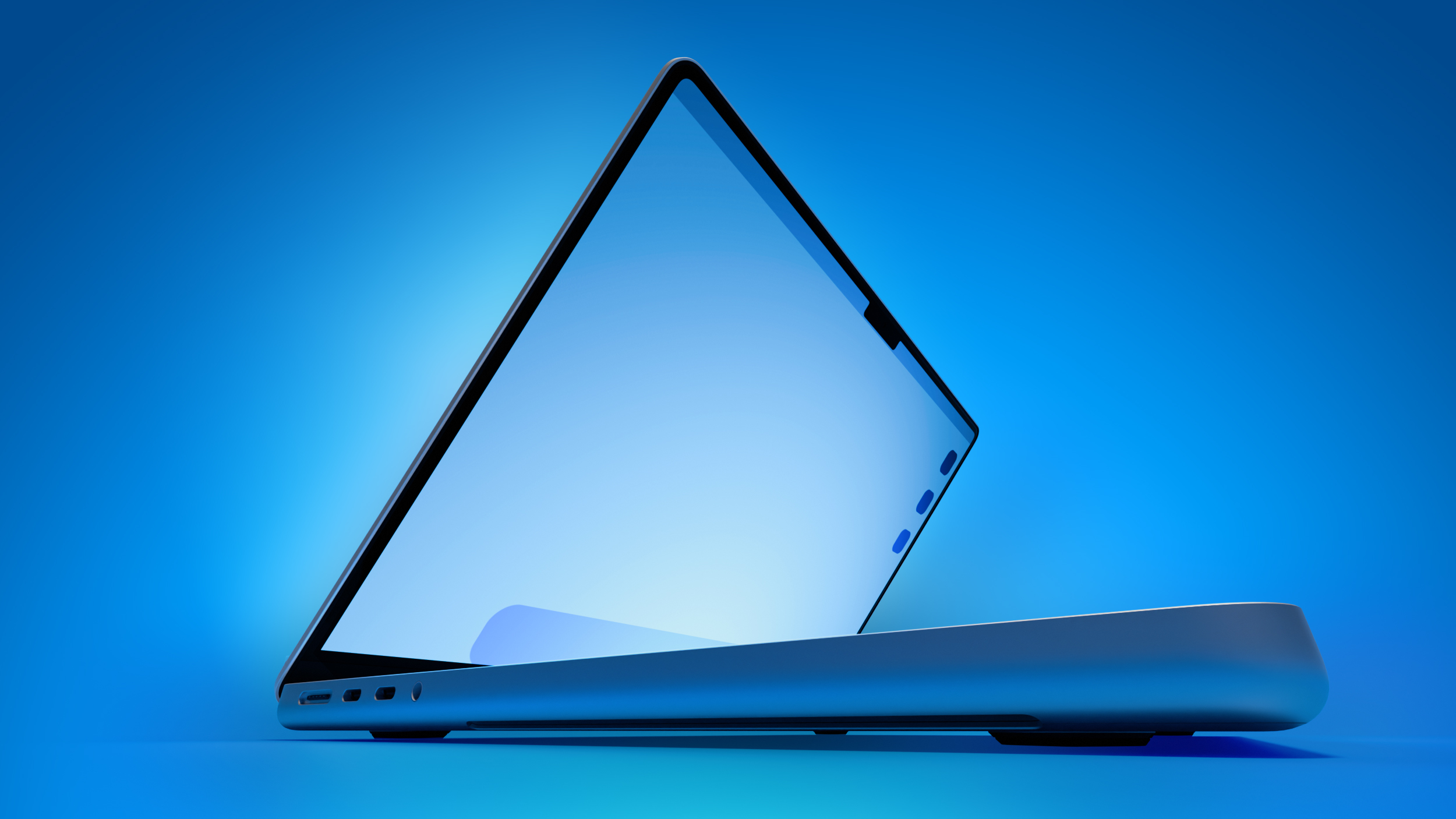
Apple to Launch 'MacBook Ultra' With These Six New Features

While the 14-inch and 16-inch MacBook Pro were just updated with M5 Pro and M5 Max chips last month, bigger changes are reportedly around the corner.


According to Bloomberg's Mark Gurman, the higher-end MacBook Pro models will be receiving a major redesign by early 2027, and he said that Apple might use "MacBook Ultra" branding for them. If so, the MacBook Ultra would likely be a higher-priced model at the top of the MacBook lineup, sitting above the MacBook Pro entirely.

Up to six new features have been rumored so far, including an OLED display, touch capabilities, a Dynamic Island, M6 Pro and M6 Max chips manufactured with TSMC's advanced 2nm process, a thinner design, and built-in cellular connectivity.

The exact launch timing remains to be seen, but Gurman recently said that early 2027 is now looking more likely than late 2026 due to the global memory chip shortage. Apple's supply of RAM is constrained, which might push back the launch.

Keep in mind that the entry-level 14-inch MacBook Pro with the M6 chip is not expected to receive many of the changes listed below.

Apple last redesigned the MacBook Pro in 2021, when the M1 Pro and M1 Max models launched, so the MacBook Ultra would represent the first major redesign in at least five years and is a model that many customers are holding out for.

Below, we recap rumored MacBook Ultra features.

OLED Display


Regardless of whether Apple uses MacBook Pro or MacBook Ultra branding, it is widely expected that these will be the first MacBooks with OLED displays.

The current MacBook Pro models are equipped with LCD displays with mini-LED backlighting. The move to OLED technology would result in improved image quality, thanks to richer colors and higher contrast ratio with true blacks.

All of the iPhone, Apple Watch, and iPad Pro models that Apple sells today are already equipped with OLED displays, excluding refurbished models.

Touch Screen


Not only will the MacBook Ultra be moving to OLED, but the display will apparently have touch-screen capabilities too. This functionality would allow Mac users to use both their fingers and a keyboard and mouse/trackpad for input.

Steve Jobs said that a touch-screen Mac would cause arm fatigue, but he made that comment a long time ago, and Apple does reverse course from time to time.

Dynamic Island


Yet another display-related change rumored for the MacBook Ultra is a hole-punch camera, and this will pave the way for a Dynamic Island instead of a notch.

With a Dynamic Island, the MacBook Ultra would be another step towards a truly edge-to-edge display with thin bezels. Like on the iPhone, the Dynamic Island would display things such as low battery life alerts and AirPods connection indicators in the area surrounding the camera at the top-center part of the screen.

M6 Pro and M6 Max Chips


This one is obvious, but the MacBook Ultra is expected to be powered by Apple's next-generation M6 Pro and M6 Max chips. Notably, these chips are expected to be manufactured with TSMC's advanced 2nm process, which should result in greater year-over-year performance and efficiency gains than usual.

The current M5 Pro and M5 Max chips are built with TSMC's third-generation 3nm process.

Thinner Design


MacBook Ultra is expected to have a thinner design compared to the MacBook Pro.

The move from LCD with mini-LED backlighting to OLED would contribute to the thinner design, and there could be other changes that help to slim things down.

As of now, there has been no indication that Apple plans to once again remove ports like HDMI, MagSafe, or the SD card slot in order to achieve this thinner design, but we shall see. That was a very unpopular decision the last time it happened.

Cellular


Macs can already connect to a cellular network via the Personal Hotspot feature on a nearby iPhone or iPad, but Apple has reportedly at least considered built-in cellular connectivity for future Macs. If these plans moved forward, the MacBook Ultra would likely be equipped with Apple's C1X or future C2 modem for 5G and LTE.
Related Roundup: MacBook Pro
Buyer's Guide: MacBook Pro (Buy Now)
Related Forum: MacBook Pro

This article, "Apple to Launch 'MacBook Ultra' With These Six New Features" first appeared on MacRumors.com

Discuss this article in our forums
  •  

Apple's New 16-Inch MacBook Pro Charger Has a Compatibility Issue

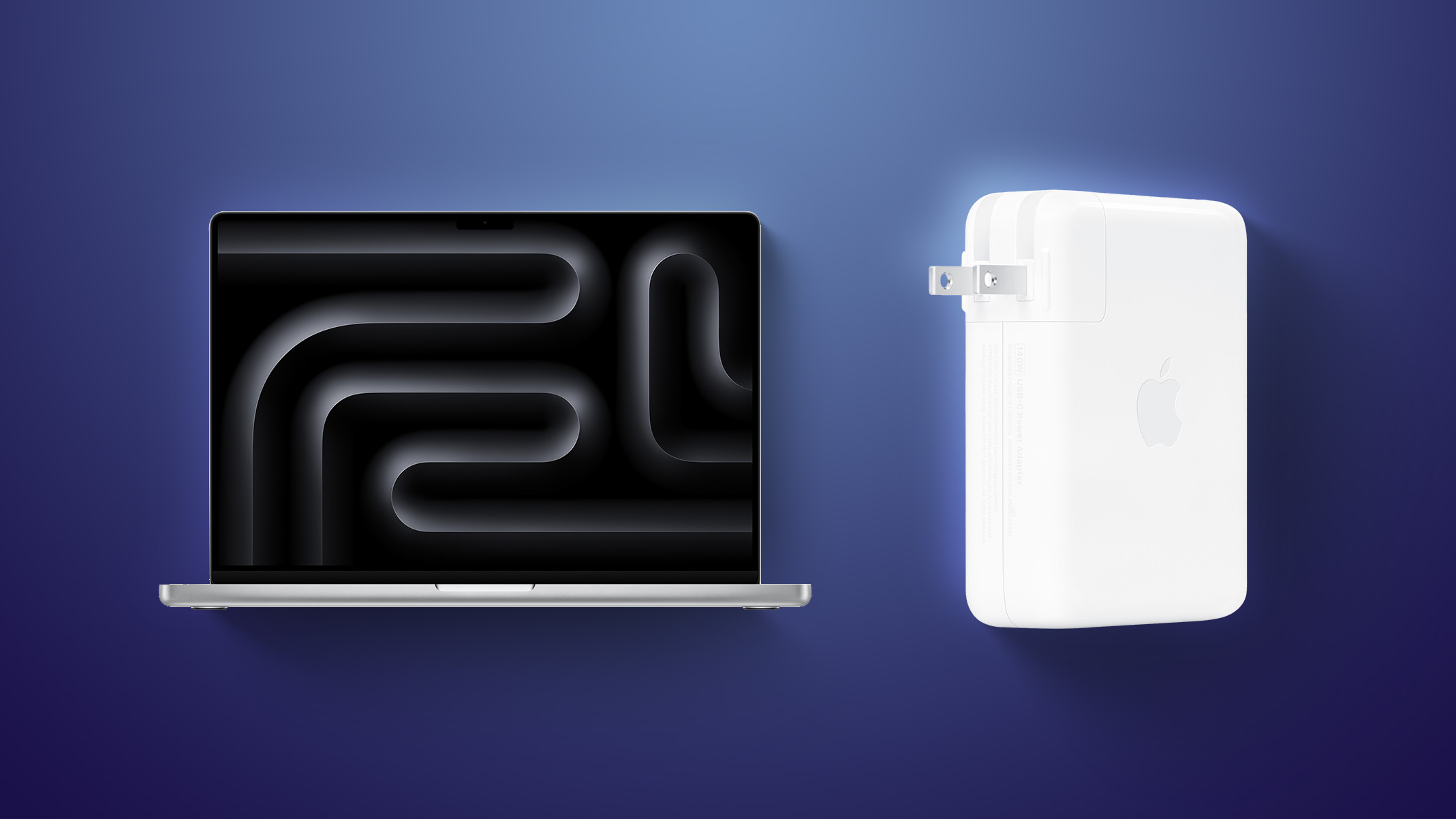
The latest version of Apple's 140W USB-C Power Adapter included with 16-inch MacBook Pro models with the M5 Pro or M5 Max chip has an issue for some.


After the 16-inch MacBook Pro was updated last month, customers in some countries began to notice that Apple's 140W USB-C Power Adapter that comes with it has a subtle design change that breaks compatibility with Apple's Power Adapter Extension Cable.

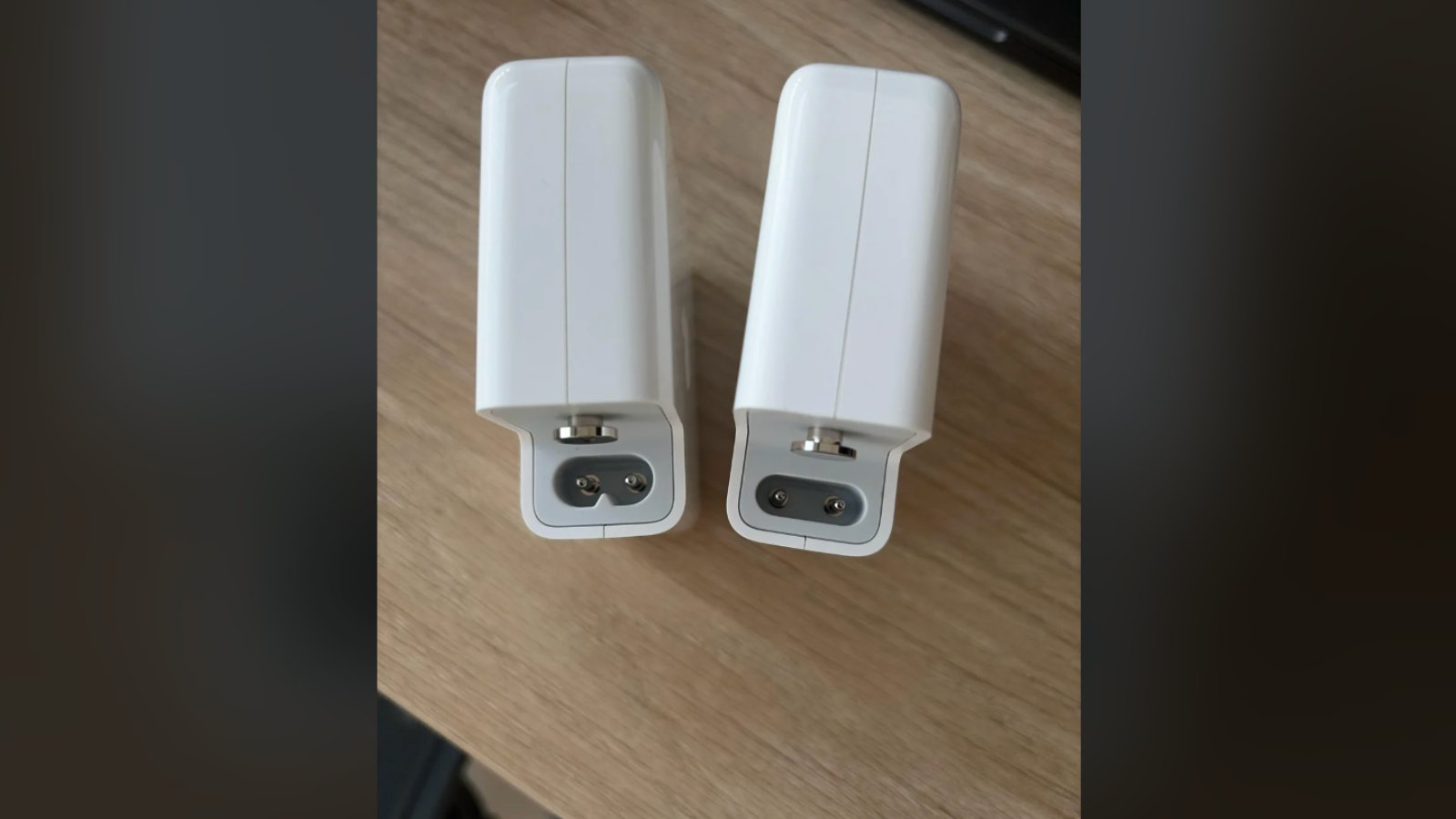
Specifically, while the charger continues to have a removable plug, Apple has apparently tweaked the design of the underlying male connector with two pins. The connector now has a slimmer pill-like shape, whereas it previously had a modified C7 design. Due to this change, the new charger does not work with Apple's Power Adapter Extension Cable, which still has a female connector designed to match the previous male connector.

The redesigned male connector (on the right in the photo)

Oddly, Apple's product page for the Power Adapter Extension Cable says the cable is compatible with its 140W USB-C power adapters, despite this issue.

Apple's discontinued World Travel Adapter Kit is also incompatible with the version of Apple's 140W USB-C Power Adapter with the redesigned male connector.

The new design has been spotted in Australia and China, but other customers have said their power adapters are not affected, so it is a hit-or-miss situation. We have yet to confirm exactly which countries are impacted by this issue, or if the 140W USB-C Power Adapter that Apple sells separately is affected by this change anywhere.

We have reached out to Apple for comment.
Related Roundup: MacBook Pro
Buyer's Guide: MacBook Pro (Buy Now)
Related Forum: MacBook Pro

This article, "Apple's New 16-Inch MacBook Pro Charger Has a Compatibility Issue" first appeared on MacRumors.com

Discuss this article in our forums
  •  

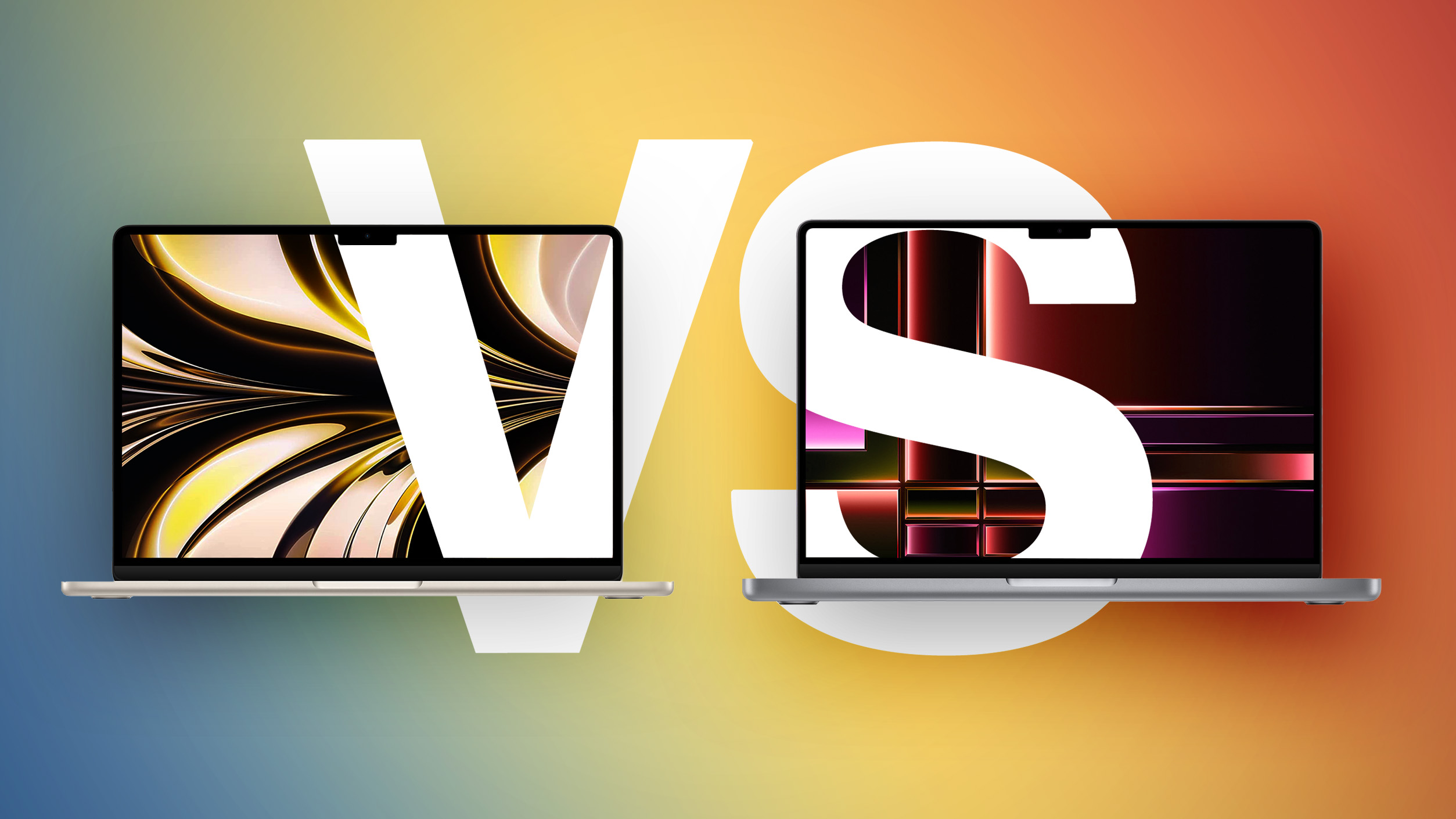
M5 MacBook Air vs. M5 MacBook Pro Buyer's Guide

Both the MacBook Air and entry-level MacBook Pro now feature the M5 chip, so how do the latest models compare?


While the 13-inch ‌MacBook Air‌ starts at $1,099 and the 15-inch model at $1,299, moving to the 14-inch ‌MacBook Pro‌ requires spending at least $300 more. For some buyers, the extra cost is unnecessary; for others, the Pro's ability to sustain performance, along with its more advanced display and expanded I/O, meaningfully change the experience in ways the Air cannot match even with higher configurations.

With the introduction of the MacBook Neo as a new entry-level option, the Mac lineup now spans three distinct tiers. As a result, the ‌MacBook Air‌ no longer represents the default choice for most buyers, but instead occupies a middle position between affordability and performance. If you've already ruled out the ‌MacBook Neo‌, this guide helps to answer the question of how to decide which of Apple's other two popular laptops is best for you. The key differences are as follows:


‌MacBook Air‌ ‌MacBook Pro‌
13.6- or 15.3-inch display 14.2-inch display
Slimmer borders around the display
LCD Liquid Retina display Mini-LED Liquid Retina XDR display
60Hz refresh rate ProMotion for refresh rates up to 120Hz
Up to 500 nits brightness Up to 1,000 nits brightness and 1,600 nits peak HDR brightness
Nano-texture display option
Passive cooling Active cooling
Two Thunderbolt 4 (USB-C) ports Three Thunderbolt 4 (USB-C) ports
HDMI 2.1 port with support for multichannel audio output
SDXC card slot
13-Inch: Four-speaker sound system
15-Inch: Six-speaker sound system with force-canceling woofers
High-fidelity six-speaker sound system with force-cancelling woofers
Three-mic array with directional beamforming Studio-quality three-mic array with high signal-to-noise ratio and directional beamforming
512GB, 1TB, or 2TB of storage 512GB, 1TB, 2TB, or 4TB storage
13-Inch: 53.8-watt-hour lithium-polymer battery
15-Inch: 66.5-watt-hour lithium-polymer battery
14-Inch: 72.4-watt-hour lithium-polymer battery
18-hour battery life 24-hour battery life
30W, 35W, or 70W USB-C Power Adapter 70W or 96W USB-C Power Adapter
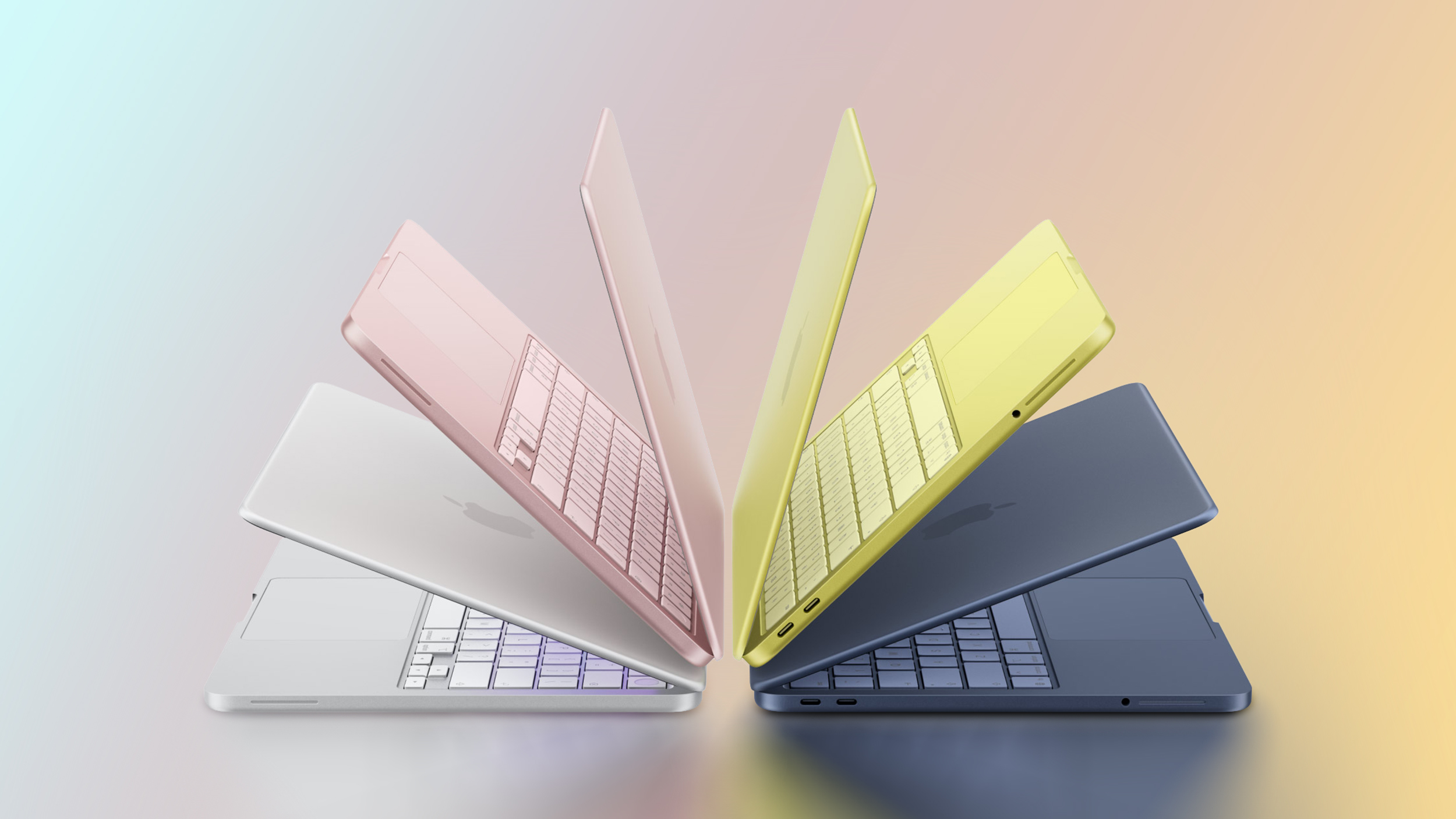
Silver, Sky Blue, Starlight, or Midnight color options Silver or Space Black color options
13-Inch: Starts at $1,099
15-Inch: Starts at $1,299
Starts at $1,599


Dimensions are also a key area of difference between the ‌MacBook Air‌ and ‌MacBook Pro‌. The ‌MacBook Pro‌ is noticeably thicker and heavier than both ‌MacBook Air‌ models:


‌MacBook Air‌ (13-Inch) ‌MacBook Air‌ (15-Inch) ‌MacBook Pro‌ (14-Inch)
Height 0.44 inches (1.13 cm) 0.45 inch (1.15 cm) 0.61 inches (1.55 cm)
Width 11.97 inches (30.41 cm) 13.40 inches (34.04 cm) 12.31 inches (31.26 cm)
Depth 8.46 inches (21.5 cm) 9.35 inches (23.76 cm) 8.71 inches (22.12 cm)
Weight 2.7 pounds (1.24 kg) 3.3 pounds (1.51 kg) 3.4 pounds (1.55 kg)


Taken as a whole, the ‌MacBook Air‌ now occupies a more clearly defined middle position in Apple's laptop lineup. With the introduction of the ‌MacBook Neo‌ as a lower-cost entry point, the Air no longer represents the default choice for most buyers, but instead serves those who want a meaningful step up in performance, features, and long-term usability without moving into the ‌MacBook Pro‌ tier.

The ‌MacBook Air‌ offers excellent performance with the M5 chip, capable memory and storage options, a good all-round display, and key features like a backlit keyboard, 18 hours of battery life, and a 12MP Center Stage camera. For everyday tasks, performance remains effectively indistinguishable from more expensive models, but the Air is far less likely to feel constrained after several years of use compared to the ‌MacBook Neo‌. Its thinner chassis, lower weight, silent fanless design, and broader range of color options also remain important advantages.

By contrast, the 14-inch ‌MacBook Pro‌ is differentiated less by baseline performance and more by its ability to sustain it, as well as by a collection of hardware features that materially change the experience. Active cooling allows the M5 chip to operate at higher levels for prolonged periods, avoiding the thermal limitations inherent to the Air's passive design. This becomes noticeable in extended workloads such as video editing, 3D rendering, compiling large codebases, or running intensive AI-driven tasks. If your workload regularly involves sustained performance, such as long video exports, large code builds, or intensive multitasking, the ‌MacBook Air‌'s fanless design may become a limiting factor.

Alongside this, ‌MacBook Pro‌'s mini-LED Liquid Retina XDR display with ProMotion offers substantially higher brightness, contrast, and motion fluidity, while the inclusion of HDMI, SDXC, and an additional Thunderbolt port expands its versatility in professional environments. It also delivers consistently better speakers, higher-quality microphones, and longer battery life. For users planning to keep their machine for several years, this sustained performance headroom and broader feature set can make the ‌MacBook Pro‌ a more resilient long-term investment.

The most consequential trade-off emerges at the upper end of the ‌MacBook Air‌'s pricing. At $1,299, the 15-inch ‌MacBook Air‌ sits close enough to the 14-inch ‌MacBook Pro‌'s $1,599 starting price that the decision becomes less about affordability and more about priorities. For an additional $300, the Pro offers a significantly more advanced display, active cooling for sustained performance, longer battery life, additional I/O, and overall greater versatility. Once you are already considering spending over $1,000 on a laptop, these advantages become disproportionately impactful, particularly for users intending to keep their machine for several years.

As a result, the ‌MacBook Air‌ is best understood as the balanced option within the lineup: Meaningfully more capable and longer-lasting than the ‌MacBook Neo‌, but somewhat constrained compared to the ‌MacBook Pro‌. The right choice depends less on basic specifications and more on where your needs sit across three distinct tiers, with basic computing at the low end, sustained performance and advanced features at the high end, and the ‌MacBook Air‌ positioned squarely between them.
Related Roundups: MacBook Pro, MacBook Air
Related Forums: MacBook Pro, MacBook Air

This article, "M5 MacBook Air vs. M5 MacBook Pro Buyer's Guide" first appeared on MacRumors.com

Discuss this article in our forums

  •  

Apple Does Not Include a Charger With All New MacBooks in UK and EU

None of the new MacBook Neo, MacBook Air, or MacBook Pro models unveiled this week come with a charger in the UK and EU countries, such as Germany, France, Italy, and Spain. This change began with the base 14-inch MacBook Pro last year.


If you need a power adapter, you must purchase one separately during checkout or later.

In all other countries, Apple includes a charger in the box with these Macs, at no additional cost. In the U.S., for example, the MacBook Neo ships with Apple's 20W USB-C Power Adapter (sold separately for $19), while the 16-inch MacBook Pro comes with Apple's 140W USB-C Power Adapter (sold separately for $99).

Apple includes a USB-C or MagSafe 3 charging cable with all of the new MacBooks sold worldwide.
Related Roundups: MacBook Air, MacBook Neo, MacBook Pro
Related Forums: MacBook Air, MacBook Pro

This article, "Apple Does Not Include a Charger With All New MacBooks in UK and EU" first appeared on MacRumors.com

Discuss this article in our forums

  •  

M5 MacBook Air & M5 Pro MacBook Pro Released by Apple

Apple has released spec-bumps to the MacBook Air and MacBook Pro lineup, bringing all of the laptops into the M5 chip world, with faster memory and storage. Additionally, the company has released two new 27″ Apple Studio Display models. The updated Macs include nice new internal specs and options but are not redesigned, so the ... Read More
  •  
❌