Login
Login
MacRumors Giveaway: Win a Mac Mini to Run AI Agents With Astropad's 'Workbench' App
For this week's giveaway, we've teamed up with Astropad to offer MacRumors readers a chance to win a Mac mini to use with Astropad's new Workbench app. For those unfamiliar with Astropad, it is the company behind Astropad Studio and Luna Display. Astropad Studio lets you use an iPad as a drawing tablet connected to a Mac and Luna Display turns an iPad into a secondary display for a Mac, so Workbench is a natural evolution of Astropad's existing products.
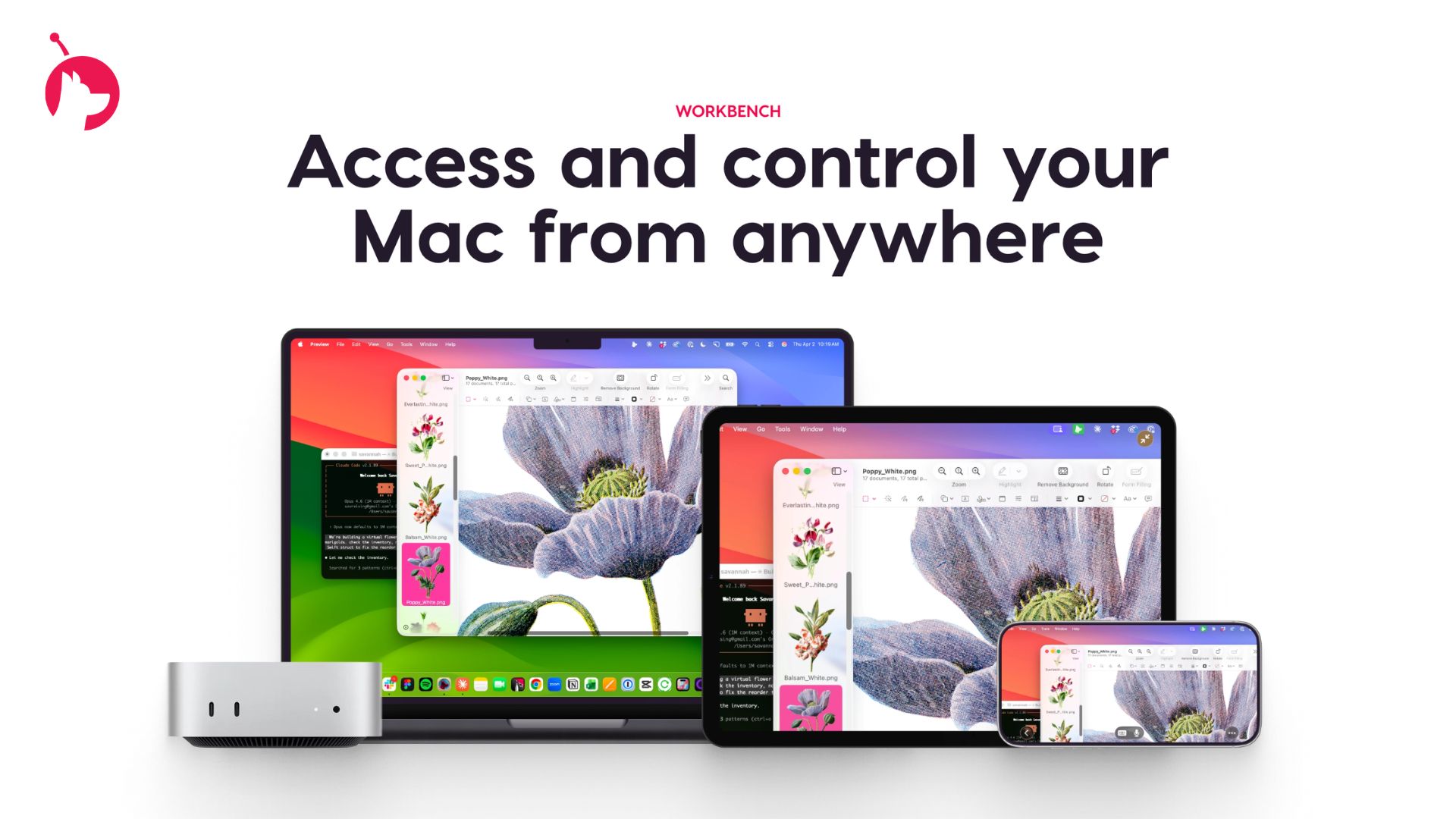
The Mac mini has become the must-have platform for local agentic AI, and Astropad Workbench is the perfect companion app. Workbench is a remote desktop app for the Mac, and Astropad built it for use with AI. Workbench uses the LIQUID engine that Astropad designed for Luna Display and Astropad Studio.
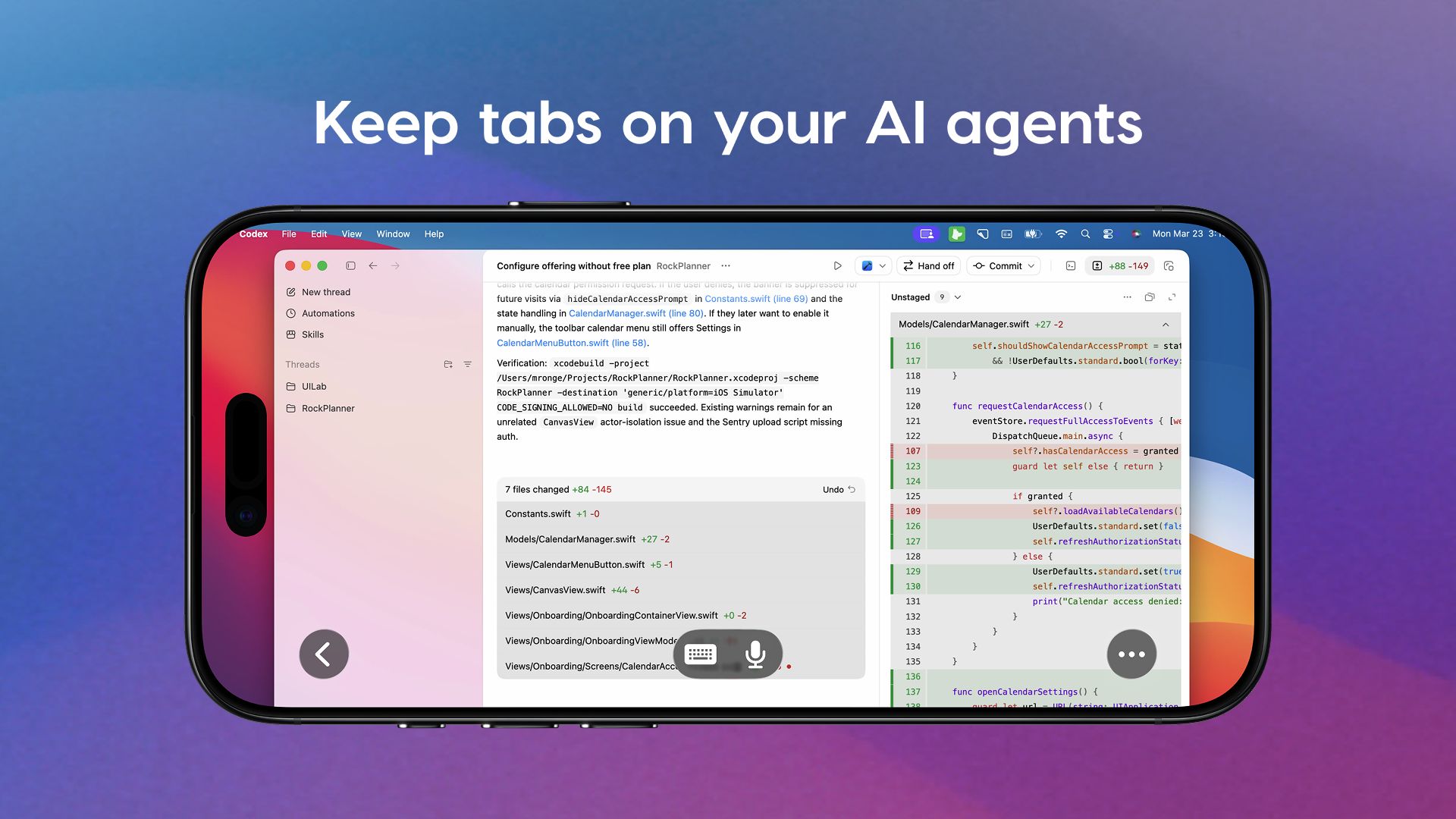
Using Workbench, you can control your AI agents remotely on an iPhone, making it ideal for people who have set up a Mac mini as a personal server for OpenClaw and other agentic AI platforms. Workbench can be used to check logs and verify agent work, restart failed tasks, or reconnect to long-running jobs. Workbench is more full-featured than options like Remote Control for Claude Code, because Anthropic's tool only provides terminal access, while Workbench offers access to your full desktop.
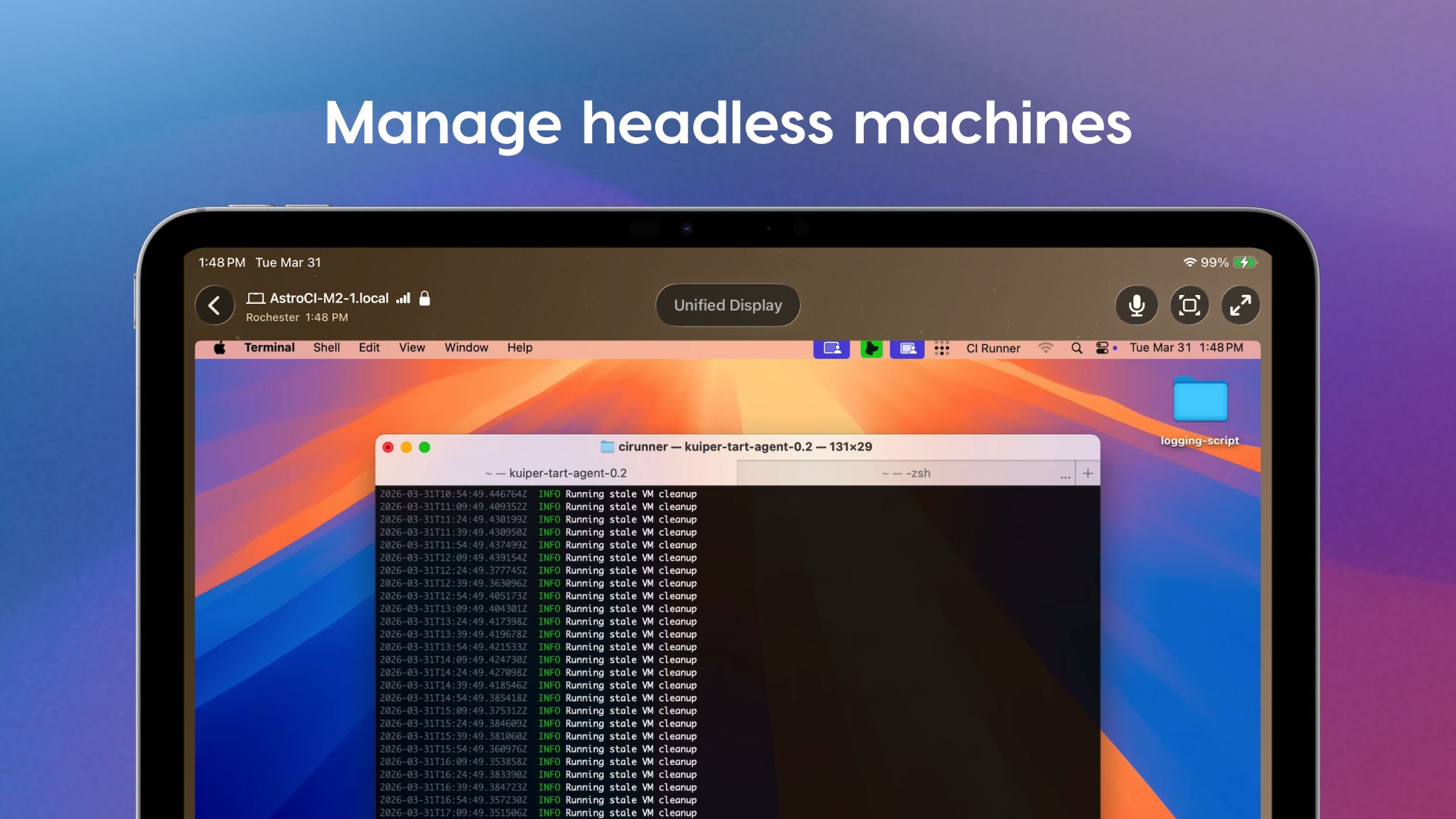
Workbench lets you monitor your AI agents from anywhere with no need to be tied to a desk. Astropad has native apps for Mac, iPhone, and iPad, so you can interface with your Mac desktop from an iPhone or iPad no matter where you are. There are even tools for quickly switching between multiple Macs connected to a Workbench account.
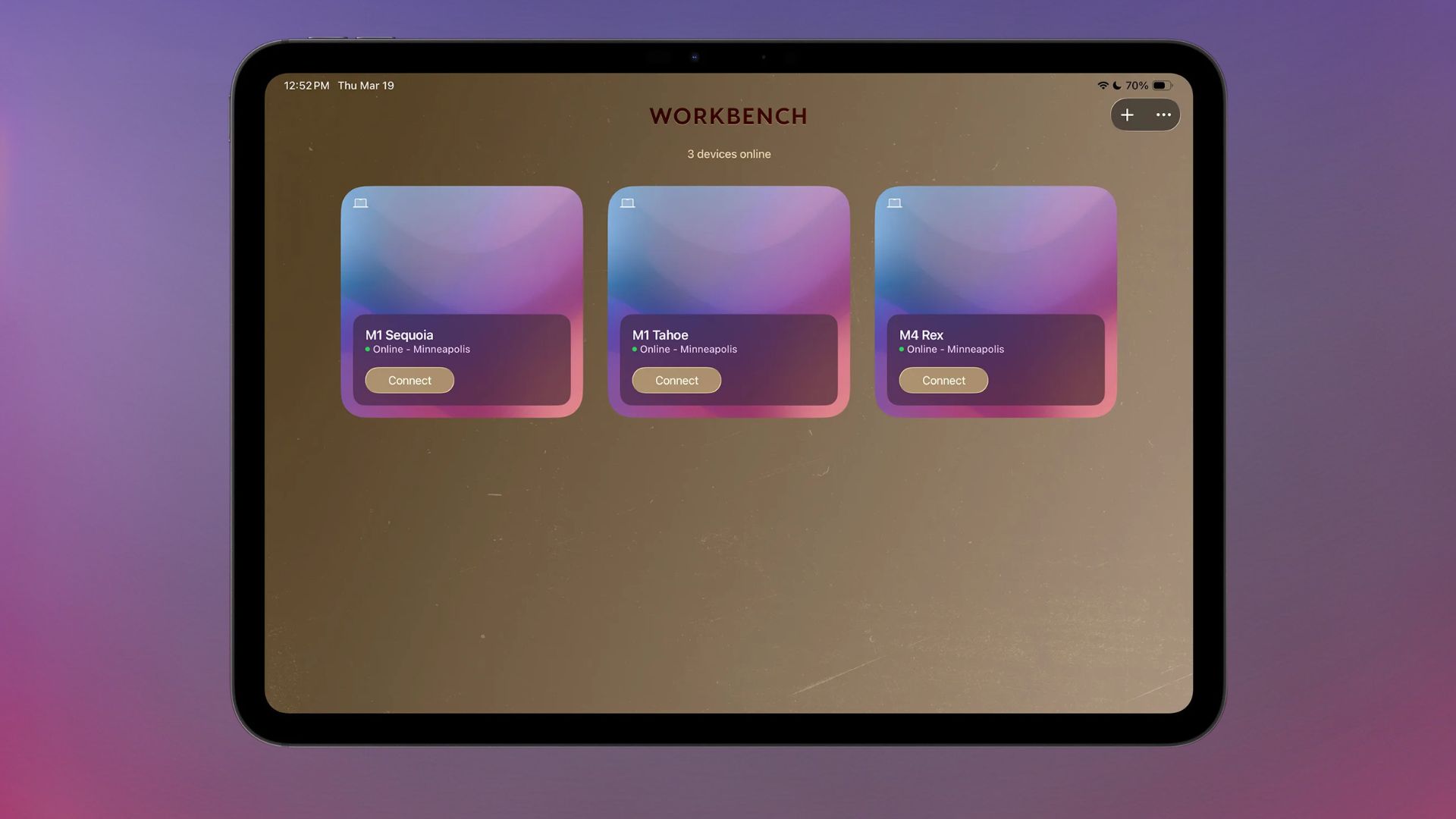
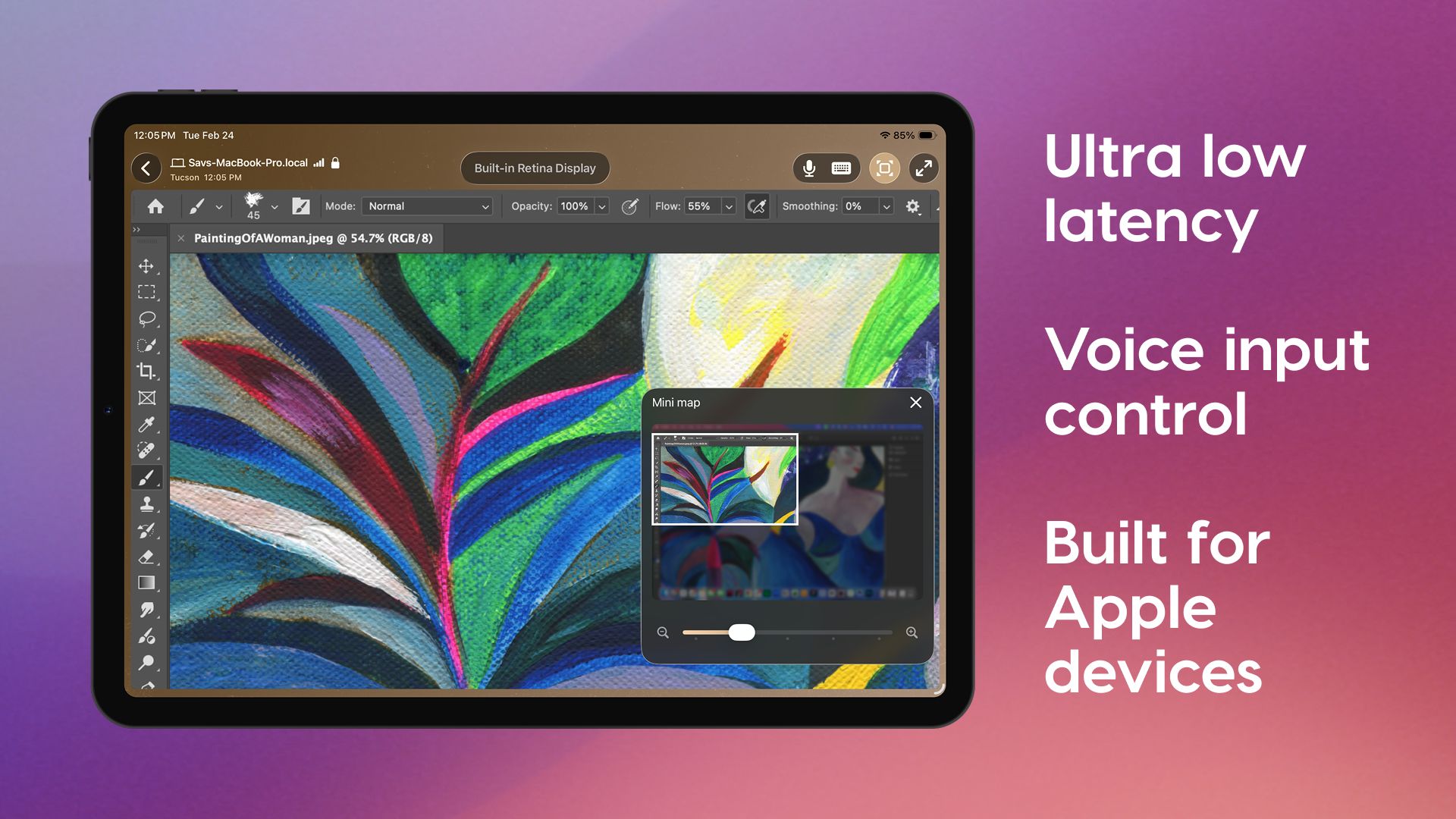
The app supports high-fidelity streaming with a unified virtual display for multiple monitors, low latency, voice dictation, and multiple control options, including gestures, keyboard input, mouse, and Apple Pencil. For large desktops, there's a mini-map that helps with navigation.
Setup is simple thanks to a global relay network across 11 regions, with no network configuration required. End-to-end encryption protects your data, and no display recordings are captured and saved.
Workbench requires macOS 15 or later, iPadOS 26 or later, and iOS 26 or later. It will work best on Apple silicon Macs, with limited support on Intel Macs.
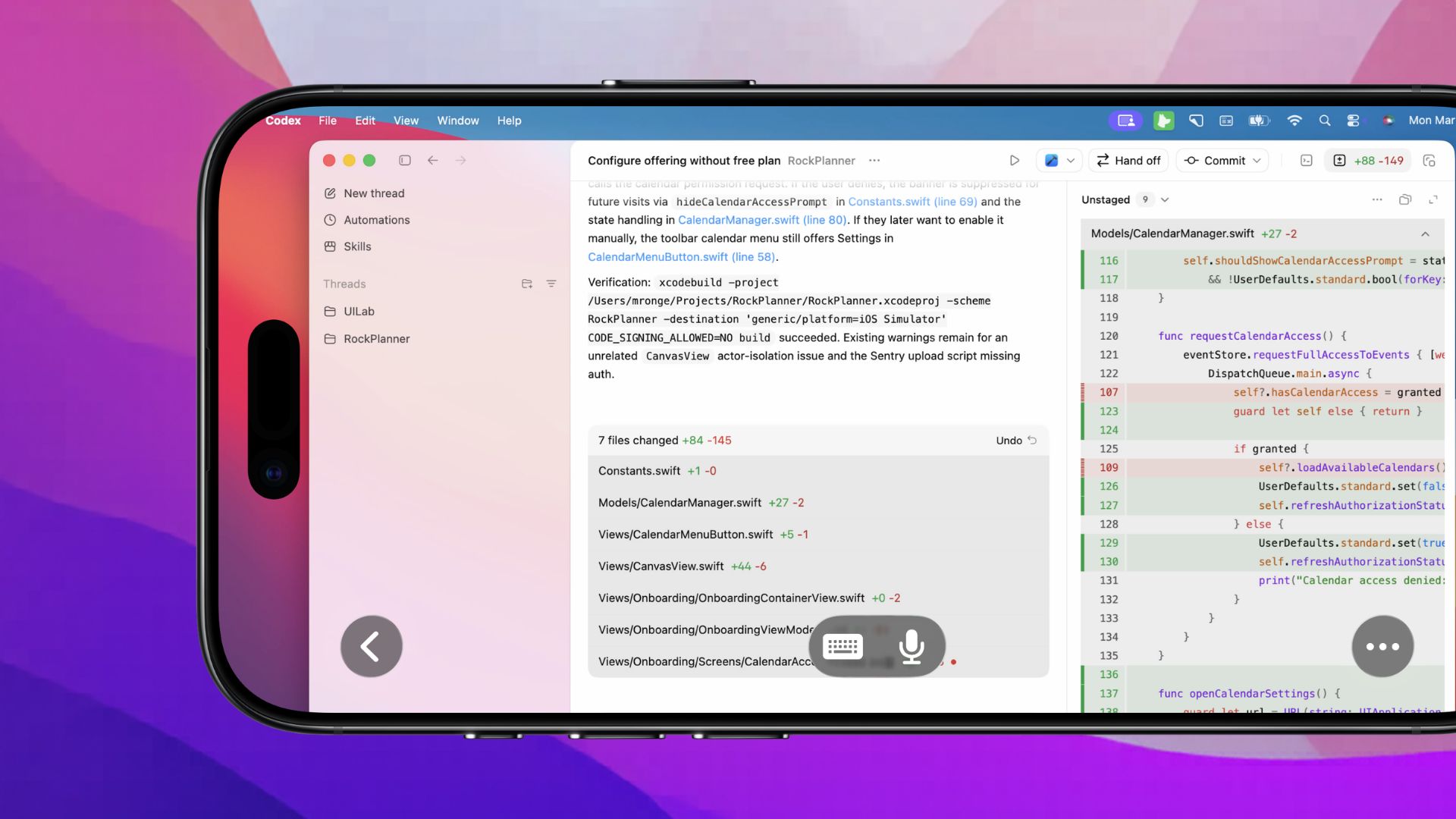
Workbench is free to use for 20 minutes each day, with an unlimited paid plan available for $10 per month or $50 per year.
Astropad is giving away a 16GB Mac mini with a 512GB SSD. To enter to win, use the widget below and enter an email address. Email addresses will be used solely for contact purposes to reach the winner(s) and send the prize(s). You can earn additional entries by subscribing to our weekly newsletter, subscribing to our YouTube channel, following us on Twitter, following us on Instagram, following us on Threads, or visiting the MacRumors Facebook page.
Due to the complexities of international laws regarding giveaways, only U.S. residents who are 18 years or older, UK residents who are 18 years or older, and Canadian residents who have reached the age of majority in their province or territory are eligible to enter. All federal, state, provincial, and/or local taxes, fees, and surcharges are the sole responsibility of the prize winner. To offer feedback or get more information on the giveaway restrictions, please refer to our Site Feedback section, as that is where discussion of the rules will be redirected.
Astropad Workbench Giveaway
The contest will run from today (May 1) at 9:00 a.m. Pacific Time through 9:00 a.m. Pacific Time on May 8. The winner will be chosen randomly on or shortly after May 8 and will be contacted by email. The winner will have 48 hours to respond and provide a shipping address before a new winner is chosen.
This article, "MacRumors Giveaway: Win a Mac Mini to Run AI Agents With Astropad's 'Workbench' App" first appeared on MacRumors.com
Discuss this article in our forums
The Mac mini has become the must-have platform for local agentic AI, and Astropad Workbench is the perfect companion app. Workbench is a remote desktop app for the Mac, and Astropad built it for use with AI. Workbench uses the LIQUID engine that Astropad designed for Luna Display and Astropad Studio.
Using Workbench, you can control your AI agents remotely on an iPhone, making it ideal for people who have set up a Mac mini as a personal server for OpenClaw and other agentic AI platforms. Workbench can be used to check logs and verify agent work, restart failed tasks, or reconnect to long-running jobs. Workbench is more full-featured than options like Remote Control for Claude Code, because Anthropic's tool only provides terminal access, while Workbench offers access to your full desktop.
Workbench lets you monitor your AI agents from anywhere with no need to be tied to a desk. Astropad has native apps for Mac, iPhone, and iPad, so you can interface with your Mac desktop from an iPhone or iPad no matter where you are. There are even tools for quickly switching between multiple Macs connected to a Workbench account.
The app supports high-fidelity streaming with a unified virtual display for multiple monitors, low latency, voice dictation, and multiple control options, including gestures, keyboard input, mouse, and Apple Pencil. For large desktops, there's a mini-map that helps with navigation.
Setup is simple thanks to a global relay network across 11 regions, with no network configuration required. End-to-end encryption protects your data, and no display recordings are captured and saved.
Workbench requires macOS 15 or later, iPadOS 26 or later, and iOS 26 or later. It will work best on Apple silicon Macs, with limited support on Intel Macs.
Workbench is free to use for 20 minutes each day, with an unlimited paid plan available for $10 per month or $50 per year.
Astropad is giving away a 16GB Mac mini with a 512GB SSD. To enter to win, use the widget below and enter an email address. Email addresses will be used solely for contact purposes to reach the winner(s) and send the prize(s). You can earn additional entries by subscribing to our weekly newsletter, subscribing to our YouTube channel, following us on Twitter, following us on Instagram, following us on Threads, or visiting the MacRumors Facebook page.
Due to the complexities of international laws regarding giveaways, only U.S. residents who are 18 years or older, UK residents who are 18 years or older, and Canadian residents who have reached the age of majority in their province or territory are eligible to enter. All federal, state, provincial, and/or local taxes, fees, and surcharges are the sole responsibility of the prize winner. To offer feedback or get more information on the giveaway restrictions, please refer to our Site Feedback section, as that is where discussion of the rules will be redirected.
Astropad Workbench Giveaway
The contest will run from today (May 1) at 9:00 a.m. Pacific Time through 9:00 a.m. Pacific Time on May 8. The winner will be chosen randomly on or shortly after May 8 and will be contacted by email. The winner will have 48 hours to respond and provide a shipping address before a new winner is chosen.
Related Roundup: Mac mini
Buyer's Guide: Mac Mini (Caution)
Related Forum: Mac mini
This article, "MacRumors Giveaway: Win a Mac Mini to Run AI Agents With Astropad's 'Workbench' App" first appeared on MacRumors.com
Discuss this article in our forums